

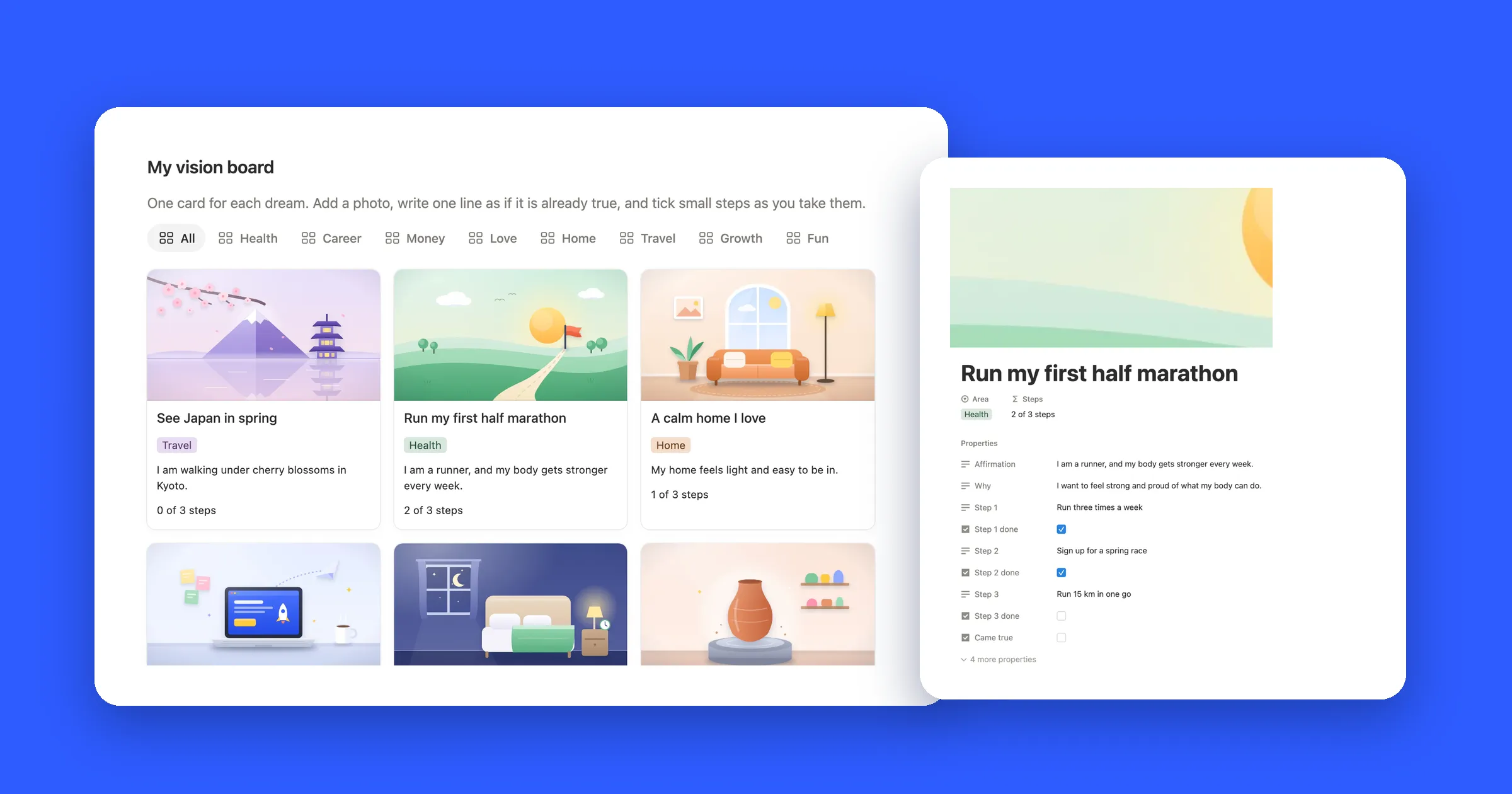

What you’ll end up with
A board of picture cards, one for each dream. Every card has a photo, a part of your life like Health or Travel, and one short line written as if it already happened. Click a card and it opens into a full page, with room for why it matters and the small steps that get you there.
1. Make a gallery
A vision board in Notion is a database shown as a gallery: every page in it becomes a card with a picture.
- Open the page where you want your board, or make a new page and call it something like My vision board.
- Type
/gallery, choose Gallery view and press Enter. If Notion asks where the cards should come from, pick a new database. - If Notion adds a few empty cards to start with, select them and delete them.
- Click New and type the name of your first dream, short and clear, like See Japan in spring.
Already keep your goals in a Notion table? Click + next to the view name and choose Gallery. You get a board from the same list without starting over.
2. Add the fields each card needs
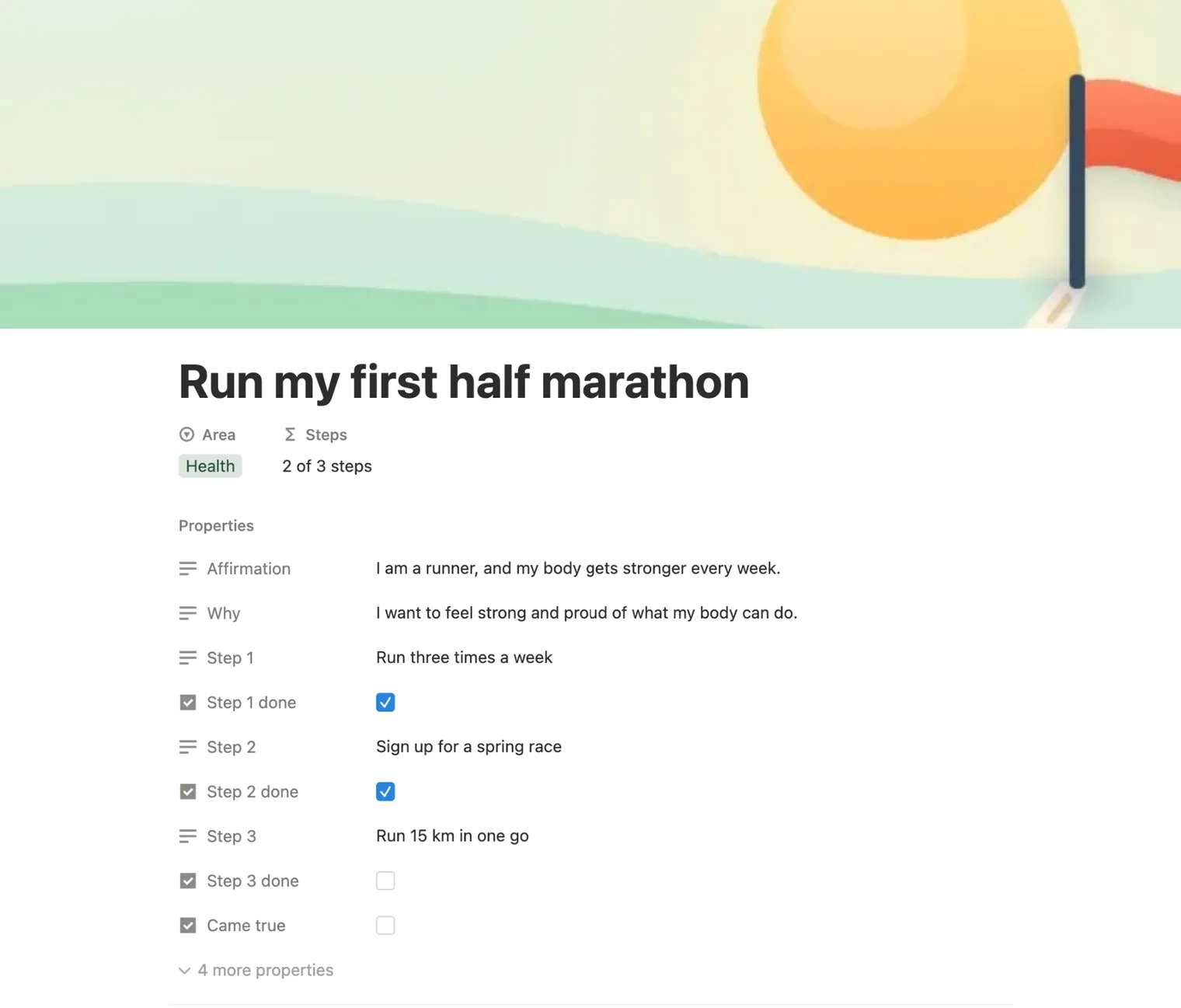
In Notion these fields are called properties. Open a card, click Add a property, pick the type and give it a name. Four or five is enough:
| Name it | Type | What goes in it |
|---|---|---|
| Name | Title, already there | The dream in a few words: Run my first half marathon |
| Area | Select | Health, Career, Money, Love, Home, Travel, Growth or Fun |
| Affirmation | Text | One line as if it’s already true: I am a runner, and my body gets stronger every week. |
| Why | Text | One sentence on why it matters to you |
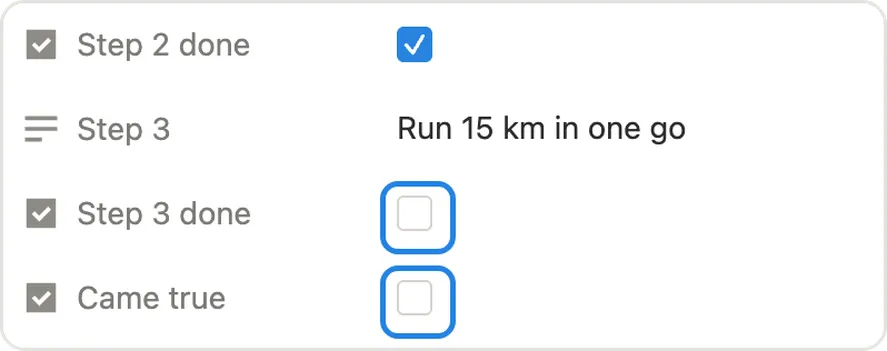
| Came true | Checkbox | Tick it when it happens |
Want to turn a dream into action? Add a few text fields for small steps, each with its own checkbox. Three steps per dream keeps it doable: in our board, Run my first half marathon has Run three times a week, Sign up for a spring race and Run 15 km in one go.
3. Give every dream a picture
The gallery shows each page’s cover on its card, so the picture goes on the cover.
- Open a card. Hover over the top of the page and click Add cover.
-
Hover over the cover and click Change.
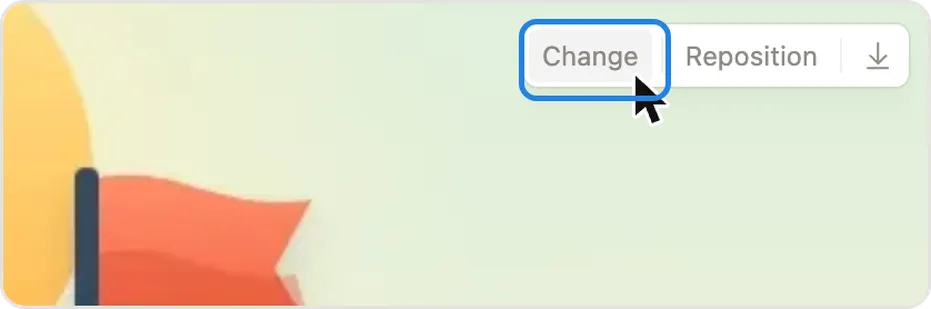
- Pick a picture. Notion’s own gallery has a few, Upload takes one from your device, Link takes an image address, and Unsplash searches free photos.
- Click Reposition and drag the picture until the part you care about sits in the middle.
Pick pictures in one style, all photos or all illustrations, in colors that sit well together. The board looks calm instead of busy. Notion suggests covers at least 1,500 pixels wide.
4. Choose how the cards look
Click ••• at the top right of the board, then Layout. Set Card preview to Page cover, pick a Card size, and under Properties show only what you want to read at a glance. Try the same settings here first:
-

See Japan in spring
Travel
I am walking under cherry blossoms in Kyoto.
-
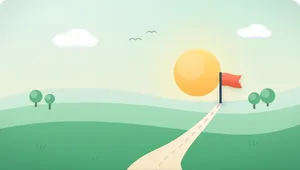
Run my first half marathon
Health
I am a runner, and my body gets stronger every week.
-
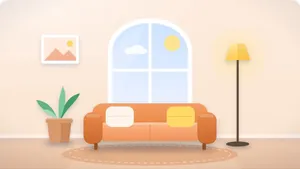
A calm home I love
Home
My home feels light and easy to be in.
-

Launch my side project
Career
I share my work and people find it useful.
-
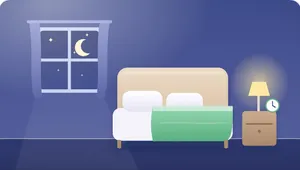
Sleep before 11 most nights
Health
I go to bed early and wake up rested.
-
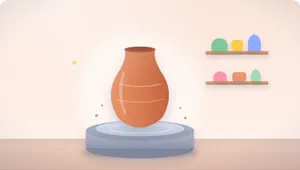
Take a pottery class
Fun
I make things with my hands.
Same cards, same settings names as in Notion. Click around, then set yours the same way.
Fit image, on or off?
With Fit image off, Notion fills the card and crops the edges of the picture. On, it shows the whole picture with space around it. Here’s one wide picture both ways:
Fit image off
Fit image on
5. Sort dreams by life area
Once you have more than a handful of cards, sort them by the Area you gave each one. There are two ways:
- Groups on one board. Open •••, then Group, and pick Area. Each area gets its own row of cards.
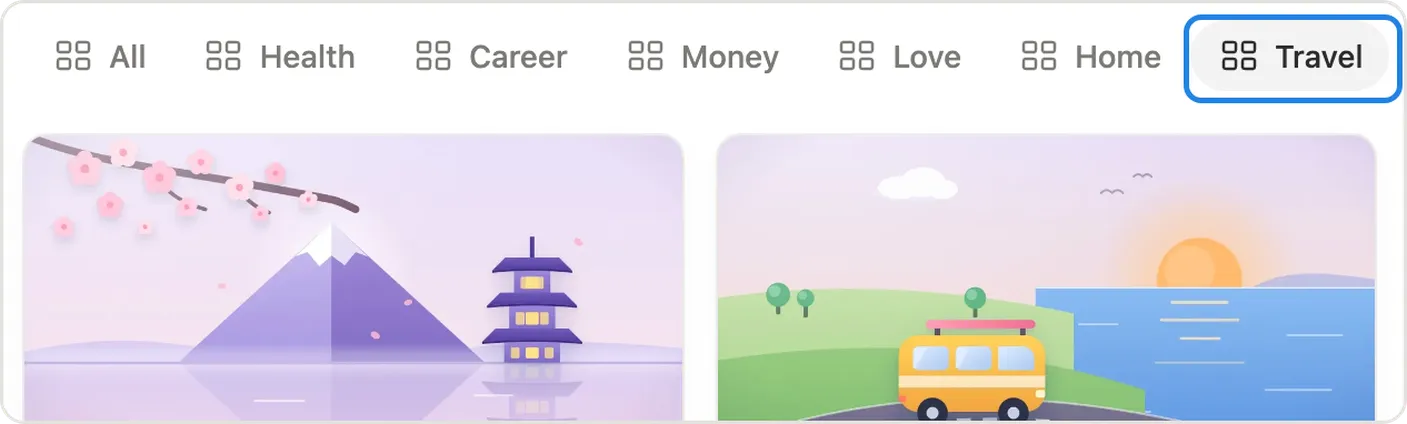
- A tab for each area. Click + next to the view name, add another gallery, add a filter where Area is Health, and name the tab Health. Repeat for each area.
6. Keep it where you’ll see it
A vision board only works if you keep looking at it, in March as much as in January.
- Add it to Favorites. Open ••• at the top right of the page and choose Add to Favorites. It stays at the top of your sidebar and in the Notion app.
- Pick a day to look at it. The first Sunday of the month works well: open the board, tick the steps you took and pick the next one.
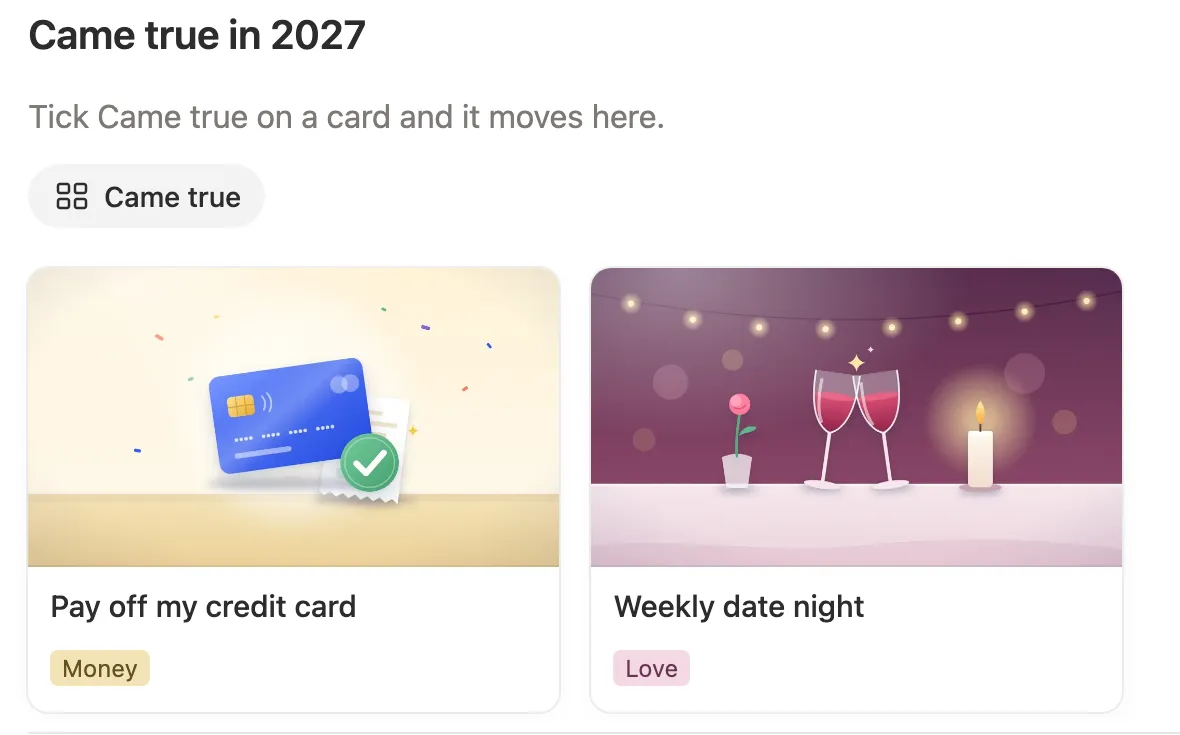
- Make a Came true view. Add a gallery with a filter where Came true is checked, and filter it out of your main board. Done dreams move to their own wall, which is the best part to look back on in December.
Not sure what to put on it?
Pick a part of your life. Answer the questions honestly, then write one line as if it already happened, and that’s a card.
Ask yourself
- How do you want your body to feel on an ordinary Tuesday?
- What would you do more of if you had the energy?
- Which one habit, if it stuck, would make the rest easier?
Then write a line like
- I sleep eight hours and wake up before my alarm.
- I move my body every day, and I enjoy it.
Ask yourself
- What would you like to be known for at work a year from now?
- Which skill would open the most doors for you?
- What does a good workday look like, from start to finish?
Then write a line like
- I do work I’m proud of, and people ask for my help.
- I finished the course, and it paid off.
Ask yourself
- Which number would let you breathe easier: savings, debt or income?
- What would you do without checking your balance first?
- Where does your money go that you’d rather it didn’t?
Then write a line like
- I have three months of expenses saved.
- My credit card is paid off, and it stays at zero.
Ask yourself
- Who do you want to see more of?
- What does a good evening with your people look like?
- What would you like to say more often?
Then write a line like
- We have a date night every week, phones away.
- I call my parents every Sunday.
Ask yourself
- Which room do you want to walk into and feel calm?
- What would make your mornings at home easier?
- What would you finally fix, clear out or change?
Then write a line like
- My home feels light and easy to be in.
- Our kitchen is clear every night before bed.
Ask yourself
- Where have you wanted to go for years?
- Who would you take with you?
- What would you see, eat or do on the first day?
Then write a line like
- I am walking under cherry blossoms in Kyoto.
- We go somewhere new together every year.
Ask yourself
- What have you always meant to learn?
- Which book, course or teacher keeps coming up?
- What would you like to stop being afraid of?
Then write a line like
- I can hold a simple conversation in Spanish.
- I read a book every month.
Ask yourself
- What did you love doing as a kid that you stopped?
- What would you do with a free Saturday and no plans?
- What have you seen someone do and thought, I’d love to try that?
Then write a line like
- I make things with my hands.
- I play music with friends once a month.
A board with words only
Pictures aren’t required. Set Card preview to None and show your Affirmation on each card, and the board turns into a wall of short lines. It’s quicker to make and easy to read on a phone. You can try it in the settings box above.
Some people mix the two: a picture on the dreams they can already see clearly, words on the ones that are still taking shape. For more on Notion’s free plan, see what works on the free plan.