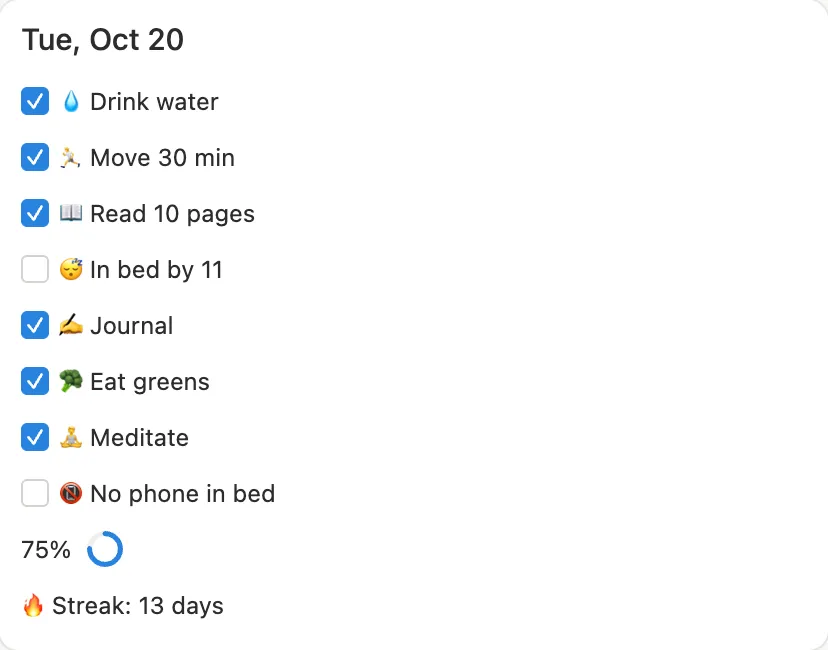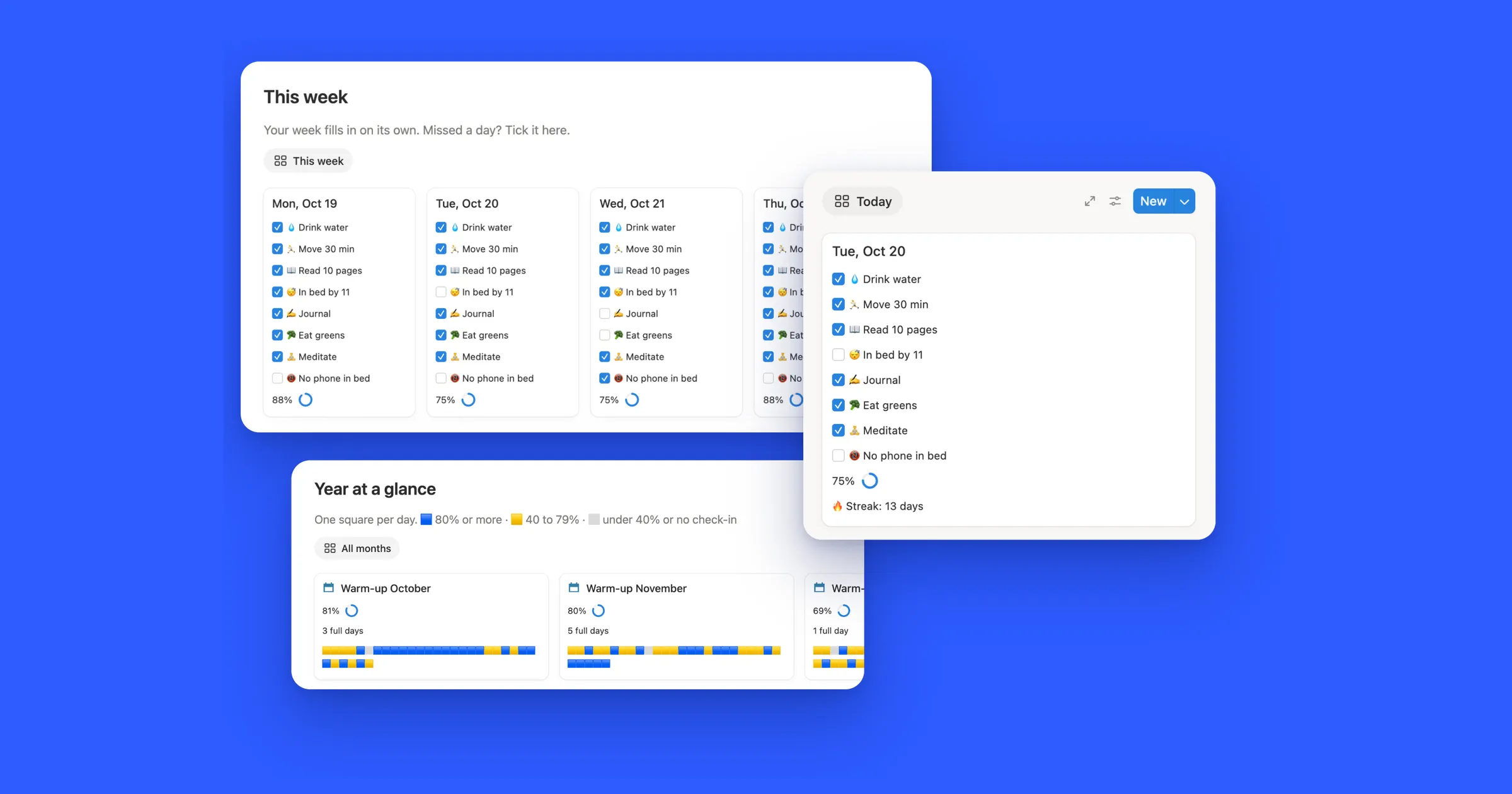

Try the streak
Tick and untick the squares. The count works like the formula in step 4: it starts at yesterday and counts back until it finds a day you missed. Today only adds one once it’s ticked, so a day that isn’t over yet never breaks your streak.
Workout
The last two weeks. The outlined square is today.
Current streak
6 days
Today is still open, so your streak stays at 6. Tick it to make it 7.
1. Make a Days database
One page per day, with a checkbox for each habit. Ticking boxes is all you’ll do each day.
- Make a new page called Habit tracker. On it, type
/tableand pick the table option to add a database. Call it Days. - Add the properties below. Our example tracks three habits: Workout, Read and Water.
| Property | Type | What it’s for |
|---|---|---|
| Date | Date | The day the page is for |
| Workout, Read, Water | Checkbox, one per habit | Tick it when you’ve done it |
| Score | Formula | How much of the day you did |
For Score, add up the habits and divide by how many there are:
(
  toNumber(prop("Workout")) +
  toNumber(prop("Read")) +
  toNumber(prop("Water"))
) / 3
In the formula’s settings, set Number format to Percent and Show as to Ring. Two habits out of three shows as 67%.
2. Get a new page every day
Instead of adding a page each morning, let a template do it.
- Click the arrow next to the blue New button and choose New template.
- In the template, click Date and pick Today under Shortcuts. Next to it Notion says Date when duplicated, so every copy gets its own day.
- Click Duplicate every at the top of the template and choose Day. A fresh page now shows up each day, with every box empty.
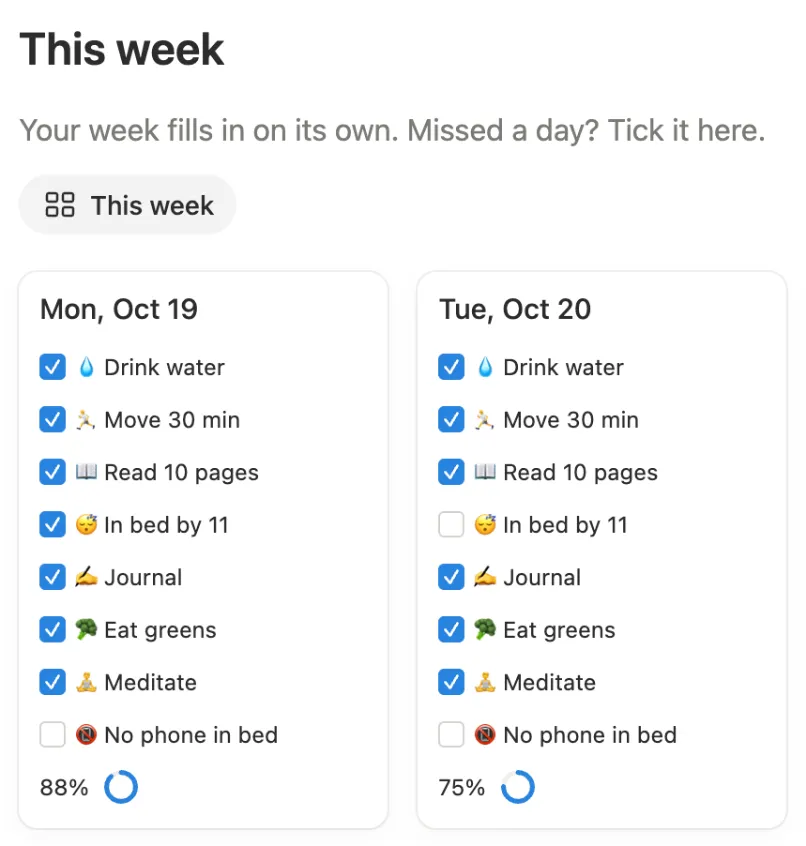
To open today in one click, add a view just for it. Click + next to the view name, add a Gallery view and give it the filter Date is Today. In the view’s settings, set Card preview to None and turn on your habits and Score under Properties, so you can tick them right on the card.
3. Link every day to one page
A formula only sees the page it’s on. To count across days, it needs one page that’s linked to all of them.
- Add a second database called Streaks, with a single page in it: My streaks.
- In Days, add a Relation property called Streaks. Pick the Streaks database, turn on Show on Streaks and name the property it adds there Days.
- Open the Days template again and set Streaks to My streaks. Every new day now links itself.
Days you made before the template need the link too. Select them in the table and set Streaks for all of them at once.
4. The streak formula
Open My streaks and add a Formula property called Workout streak:
let(
  days, prop("Days"),
  past, days.filter(current.prop("Date") < today()),
  newest, past.sort(current.prop("Date")).reverse(),
  missed, newest.findIndex(
    not current.prop("Workout") or
    dateBetween(today(), current.prop("Date"), "days") != index + 1
  ),
  run, if(missed == -1, newest.length(), missed),
  doneToday, days.filter(current.prop("Date") == today()).some(current.prop("Workout")),
  run + if(doneToday, 1, 0)
)
What each part does:
- past keeps the days before today, and newest puts them in order from yesterday back.
- missed finds the first of those you didn’t tick. Its second line checks the dates too, so a day with no page also ends the streak.
- run is how many days came before that. If you’ve never missed one, it’s all of them.
- doneToday adds one as soon as today is ticked. Until then the streak just waits.
Here’s what it showed in our test on October 31, with the page for October 23 left out on purpose:
| Habit | Ticked | Streak |
|---|---|---|
| Workout | October 25 to 30, not yet today | 6 |
| Read | Every day since October 18, today too | 8 |
| Water | Today and tomorrow, not yesterday | 1 |
Read stops at 8 because of the missing page. Without the date check, it showed 13, counting straight over October 23. And the tick on tomorrow’s page didn’t count for Water, because that day hasn’t happened yet.
For another habit, copy the property and change both "Workout" to that habit’s name.
Want one streak for the whole day instead? Count a day when its Score is 80% or more: change not current.prop("Workout") to
current.prop("Score") < 0.8, and .some(current.prop("Workout")) to .some(current.prop("Score") >= 0.8). That’s
the rule our Habit Tracker uses.
5. Count this month’s days
A streak rewards days in a row. A count for the month is kinder after a slip. Add one more formula to My streaks:
prop("Days").filter(
  formatDate(current.prop("Date"), "YYYY-MM") == formatDate(today(), "YYYY-MM") and
  current.prop("Workout")
).length()
In our test, the same formula for Water gave 5 for October. The tick on November 1 waited for its own month.
6. Show the streak on today’s card
Last, bring the number to where you tick. In Days, add a formula called Streak:
let(
  s, toNumber(prop("Streaks").first().prop("Workout streak")),
  "Workout streak: " + format(s) + if(s == 1, " day", " days")
)
Turn on Streak in the Today view’s Properties, and your streak sits right under your habits.