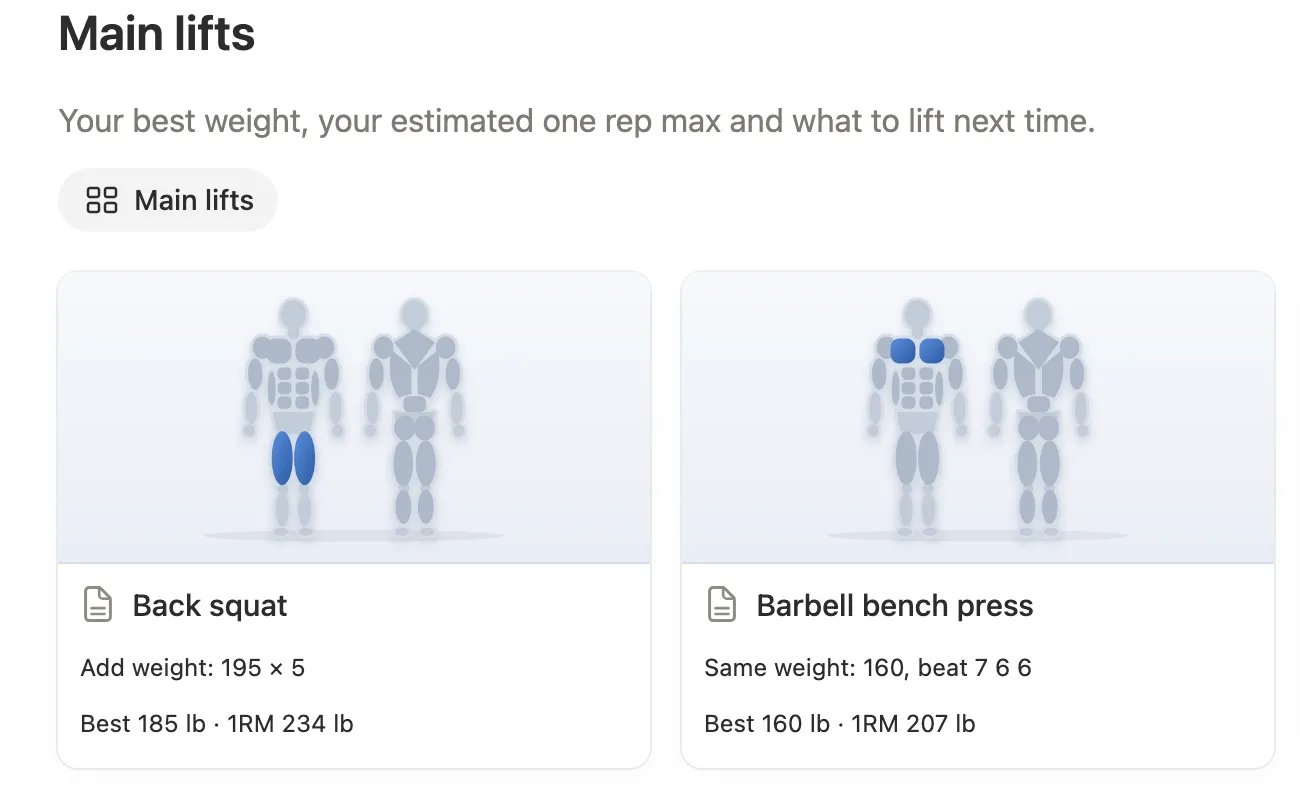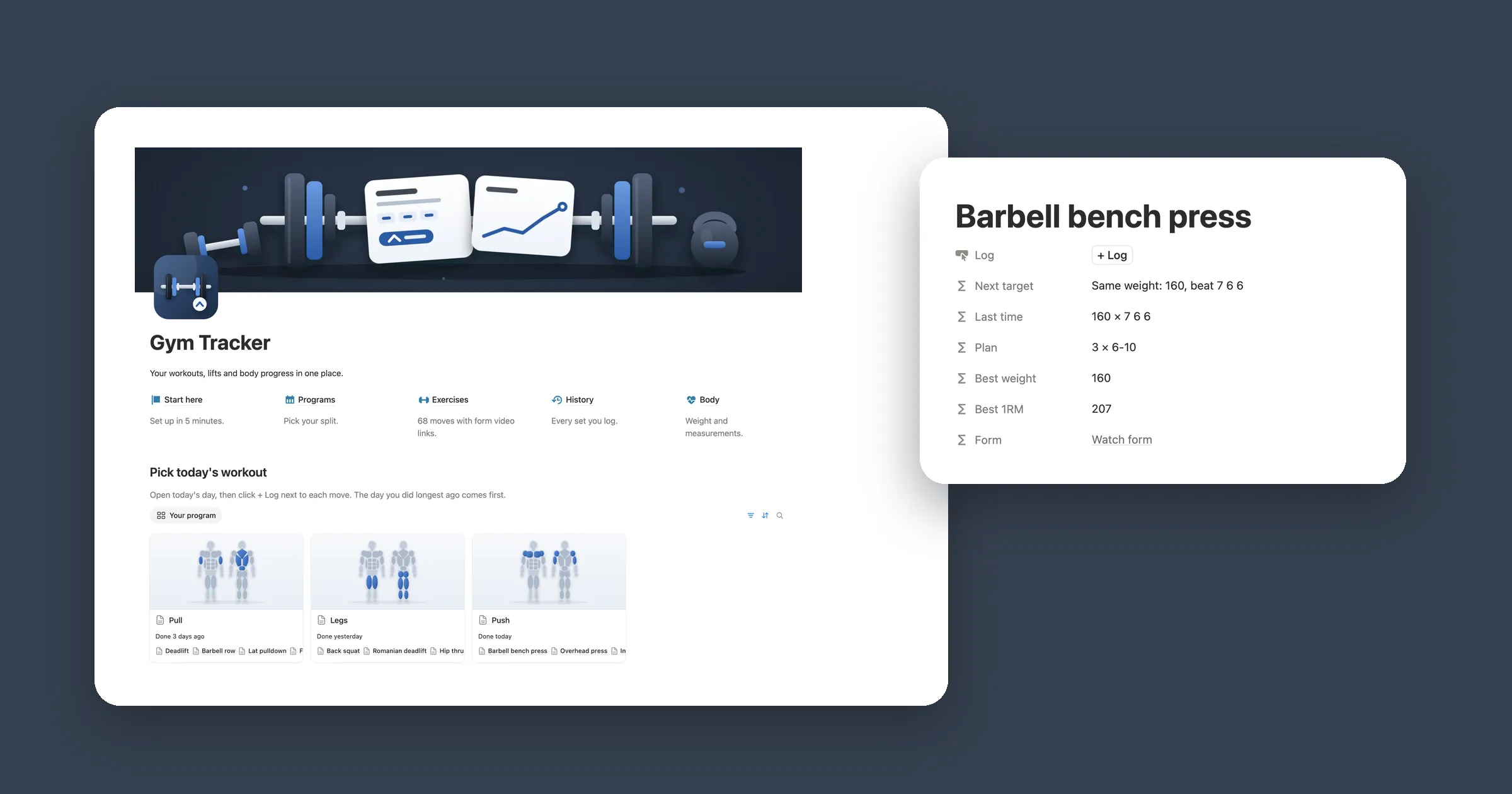

Try it: log a set
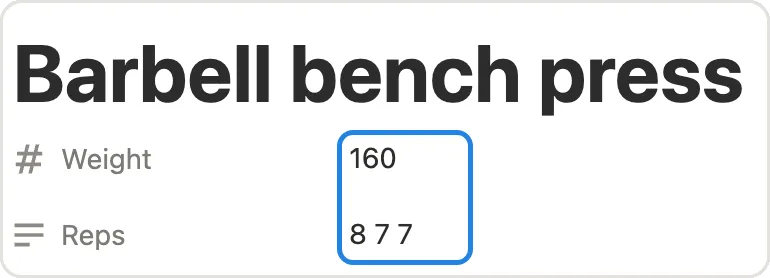
Type a weight and the reps you did on each set, then click Log it. The log and the numbers above it change the same way the formulas below work in Notion. The sample is the four workouts from our test.
Bench press
8 to 12 reps. Hit 12 on every set and it adds 5.
- Next target
- Add weight: 140 × 8
- Best weight
- 135
- Best 1RM
- 189
Log
- Oct 30 135 × 12 12 12 New PR Volume 4860 · Est 1RM 189
- Oct 27 135 × 10 10 9 Volume 3915 · Est 1RM 180
1. A list of exercises
A workout tracker needs two databases: one for the moves you do, and one for every time you do them. Start with the moves. Each one gets a rep range, which is what tells the tracker when you’re ready for more weight.
- Make a new page called Workouts. On it, type
/table, pick the table option and call the database Exercises. - Add the properties below, then a page for each move, like Bench press with 8, 12 and 5.
| Property | Type | What it’s for |
|---|---|---|
| Exercise | Title | The move, like Bench press |
| Muscle | Select | Chest, Back, Legs, Shoulders, Arms |
| Min reps | Number | Bottom of your rep range |
| Max reps | Number | Top of your rep range |
| Jump | Number | How much weight to add, like 5 or 10 |
Big lower body lifts can take a bigger jump. In our test, squat had a range of 5 to 8 and a jump of 10.
2. A log for every set
Now the log. One row is one move on one day: the weight, and the reps of each set typed in one field.
- Add a second database called Log with the properties below.
- When you add the Exercise relation, pick the Exercises database, turn on Show on Exercises and name it Log.
| Property | Type | What it’s for |
|---|---|---|
| Name | Title | Anything you like, such as the move |
| Exercise | Relation | The move you did |
| Date | Date | The day you did it |
| Weight | Number | The weight on the bar |
| Reps | Text | Reps of each set, like 10 10 9 |
Typing all your sets in one text field keeps logging quick: three sets of bench press are one row, not three. Put a space between the numbers. In our test, 8, 8, 8 with commas worked too.
3. Volume and one rep max
Three formulas on Log turn that text into numbers. First, Total reps splits Reps at the spaces and adds the sets up:
prop("Reps").split(" ").filter(!empty(current)).map(toNumber(current)).sum()Then Volume, the weight times all your reps, which shows how much work a session was:
prop("Weight") * prop("Total reps")And Est 1RM, an estimate of the most you could lift once. It uses the Epley formula on your top set, so you can compare a heavy set of 5 with a lighter set of 10:
round(
  prop("Weight") * (1 + prop("Reps").split(" ").filter(!empty(current)).map(toNumber(current)).max() / 30)
)
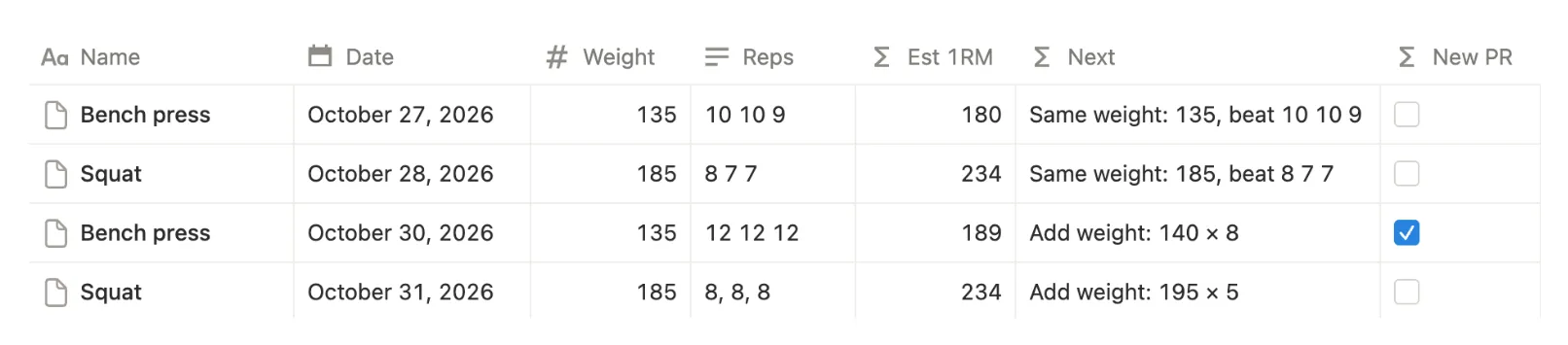
Bench press at 135 for 10 10 9 showed 29 reps, a volume of 3915 and an estimated 1RM of 180.
4. When to add weight
Getting stronger means doing a little more over time, which lifters call progressive overload. A simple way to do it is to stay at a weight until you hit the top of your rep range on every set, then add weight and start again at the bottom. Add a formula called Next to Log:
lets(
  reps, prop("Reps").split(" ").filter(!empty(current)).map(toNumber(current)),
  ex, prop("Exercise").first(),
  if(
    reps.every(current >= ex.prop("Max reps")),
    "Add weight: " + format(prop("Weight") + ex.prop("Jump")) +
      " × " + format(ex.prop("Min reps")),
    "Same weight: " + format(prop("Weight")) + ", beat " + prop("Reps")
  )
)
It reads the rep range and jump from the move you picked. Bench press at 135 for 10 10 9 said Same weight: 135, beat 10 10 9. Three days later, 12 12 12 said Add weight: 140 × 8.
5. Mark a new PR
A personal record, or PR, is when you beat yourself. Add a formula called New PR to Log. It ticks when a row’s Est 1RM is higher than every earlier log of the same move:
lets(
  before, prop("Exercise").first().prop("Log")
    .filter(current.prop("Date") < prop("Date"))
    .map(current.prop("Est 1RM")),
  !empty(before) and prop("Est 1RM") > before.max()
)
In our test, bench press went from 180 to 189 and got ticked. The second squat matched the first at 234, so it stayed unticked, and the first log of each move has nothing to beat.
Want a list of your PRs? Add a view to Log filtered to New PR is checked and sorted by Date.
6. Your numbers on every move
The last step puts the numbers where you look before a set: on each move’s page in Exercises.
- Add a Rollup called Best weight. Set Relation to Log, Property to Weight and Calculate to Max.
- Add another rollup called Best 1RM with Property set to Est 1RM and Calculate to Max.
- Add a formula called Next target that shows Next from your latest log:
prop("Log").sort(current.prop("Date")).last().prop("Next")Bench press showed a best weight of 135, a best 1RM of 189 and Add weight: 140 × 8. Squat showed 185, 234 and Add weight: 195 × 5.