


Notion and Goodnotes at a glance
They’re made for different things. Goodnotes is a notebook you write in. Notion is a workspace where you type, and your lists can sort, repeat and count on their own.
| Notion | Goodnotes | |
|---|---|---|
| How you write | You type. There’s no pen or drawing tool. | By hand with a stylus, or in a text box |
| Devices | Web, Mac, Windows, iPhone, iPad and Android | iPad, iPhone and Mac, plus Android, Windows and the web |
| Free plan | As many pages as you like for one person, uploads up to 5 MB | Up to 3 files in total, exports carry a watermark |
| Paid plan | Not needed for a personal planner | $11.99 a year, or $35.99 a year to sync between Apple and other devices |
| Repeating tasks | A task can repeat daily, weekly, monthly or yearly | You copy the page or write it again |
| Totals and progress | Formulas count tasks and fill progress bars | You count by hand |
| Feels like | A to-do app and a notebook in one | A paper planner on a screen |
Plans and prices from each company’s pricing page, October 2026.
Which one fits you?
Four quick questions. Pick the answer that sounds most like you.
Notion or Goodnotes?
Answer all 4 to see your pick.
Notion fits you
You plan by typing and want the planner to do some of the work. Start with a week in Notion: tasks with dates show up in today’s list, your week and your month without writing them twice.
Goodnotes fits you
You think better with a pen. Import a PDF planner into Goodnotes and write on it. Nothing moves on its own, but the page looks exactly the way you made it.
Use both
You want typed lists and handwritten pages. Keep tasks and dates in Notion and write by hand in Goodnotes. Here’s how the two work together.
What a week looks like in Notion
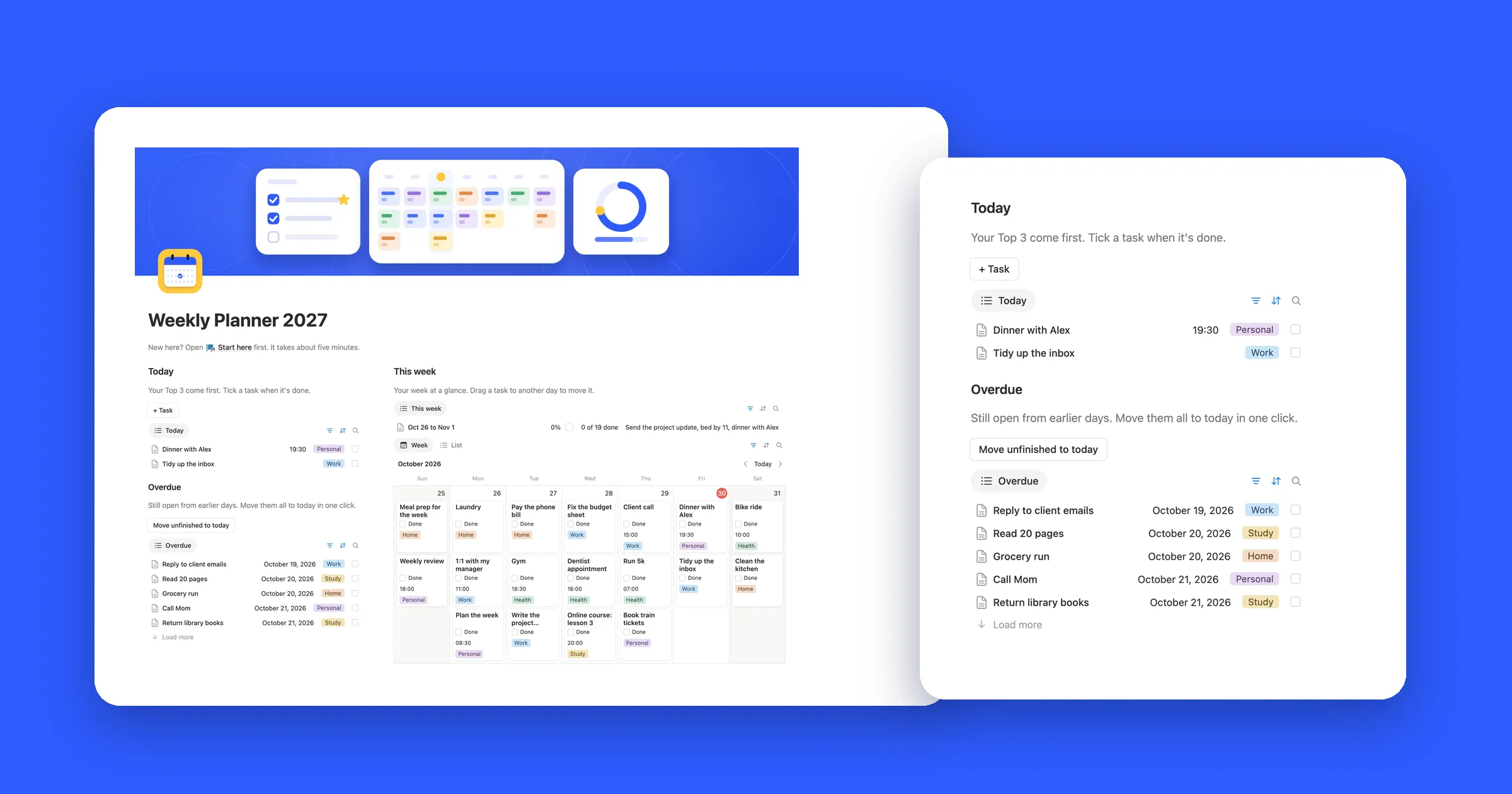
In Notion, each plan is a task with a date. The same task shows up in today’s list, on your week and on your month, so you write it once. The picture at the top of this guide shows the week in our Weekly Planner.
What it does that paper can’t:
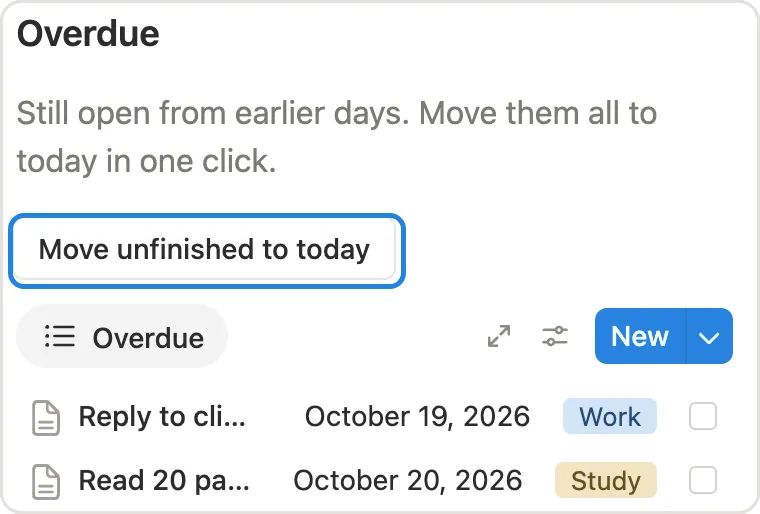
- Unfinished tasks come back. One button moves every overdue task to today.
- Tasks repeat. Set a task to come back every day, week or month.
- Progress counts itself. Tick a task and the week reads 1 of 19 done.
- Search finds old tasks. A task from March is one search away.
What a week looks like in Goodnotes
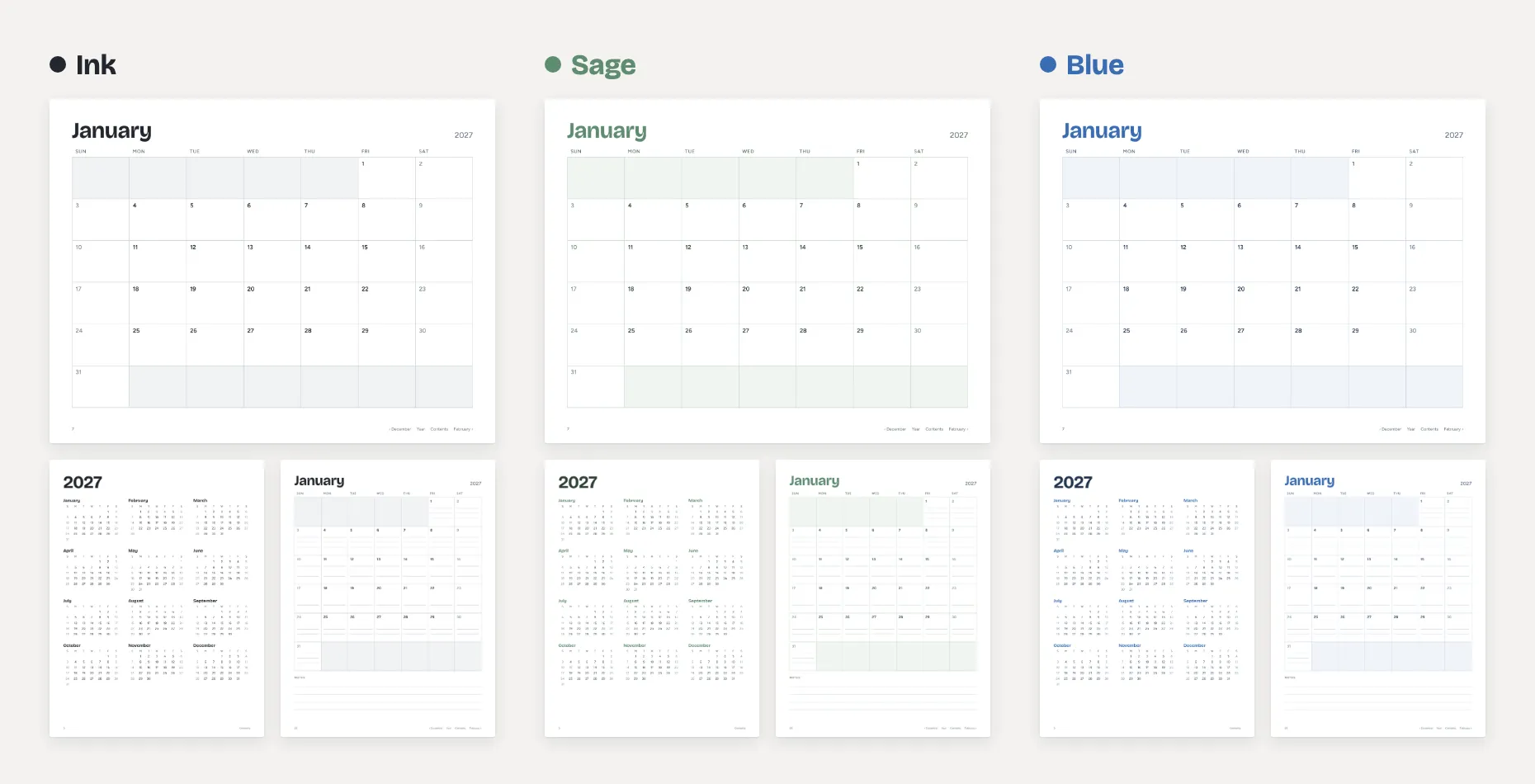
Goodnotes is a notebook on your screen. You open a planner as a PDF, or start from a blank or lined page, and write on it with a stylus. Any planner PDF works, so you can pick the layout you like.
Writing by hand helps a lot of people remember what they planned, and there’s room for colors, stickers and doodles. The trade-off is that nothing changes on its own: a task you didn’t finish stays on Tuesday until you write it again on Wednesday.
How to use Notion and Goodnotes together
There’s no built-in link between the two apps, but they work well side by side:
- Split the jobs. Keep tasks, dates and lists in Notion. Use Goodnotes for the pages you write by hand, like a journal, sketches or notes from a call.
- Bring a handwritten page into Notion. In Goodnotes, export the page as a PDF. On your Notion page, type
/embed, choose Upload and pick the file. Notion shows the PDF right on the page. On the free plan, files can be up to 5 MB. - Open a notebook from Notion. In Goodnotes, share the notebook with a link, then paste the link on a Notion page. It opens in a web browser. Sharing your own notebooks takes a paid Goodnotes plan.
- Want your Notion plans on paper? Print the page or export it to PDF. Our guide on how to print a Notion calendar covers both.
Getting started
Goodnotes needs a planner PDF and a stylus, and you’re ready. A Notion planner takes more setup: the lists, the dates, the views for today and this week. A template saves you that part.