


Three ways to print
Notion doesn’t have a print button, so every way goes through your browser or a PDF. Here’s how they compare:
| Way | Where | Good for |
|---|---|---|
| Browser print | File, Print in Chrome, Safari or Edge | A page with a calendar on it, printed right now |
| Export to PDF | •••, More, Export, PDF | The desktop app, full-page calendars, a file to keep |
| Screenshot | Your computer’s screenshot keys | One month that has to look exactly like the screen |
All three work on Notion’s free plan.
1. Print from your browser
- Open the page with your calendar in a web browser, not in the Notion app.
- Scroll down the whole page once, so every view on it has loaded.
- Press Ctrl+P, or Command+P on a Mac.
- Set Layout to Landscape. Under More settings, lower Scale until the whole week fits, and turn on Background graphics to keep the colors.
- Look through the preview. If it looks right, print it, or choose Save as PDF to keep a copy.
If your calendar is a full page of its own, Notion’s help says it can’t be printed from a browser. Export it to PDF instead, or put a linked view of it on a normal page and print that page.
2. What we got on paper
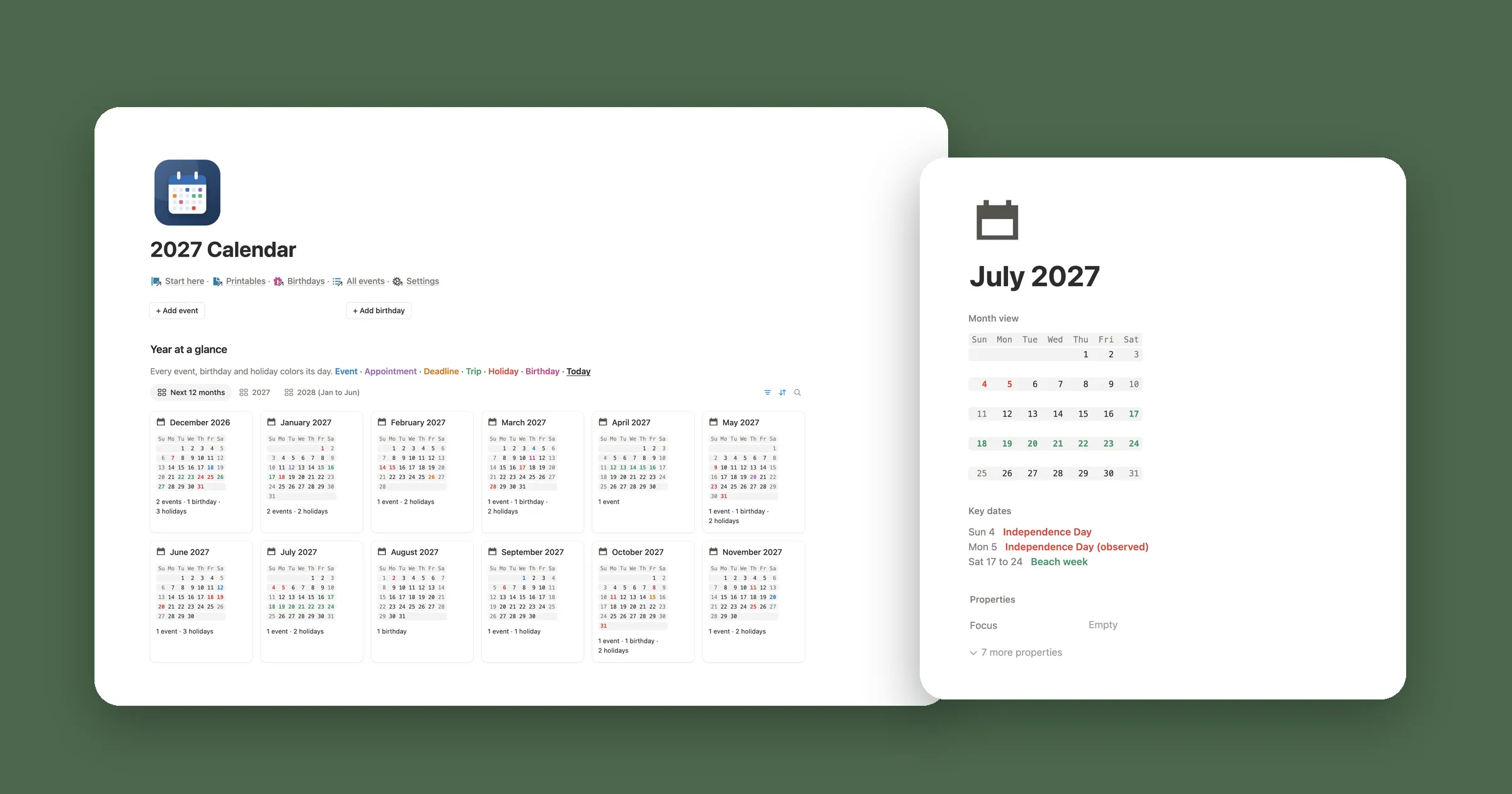
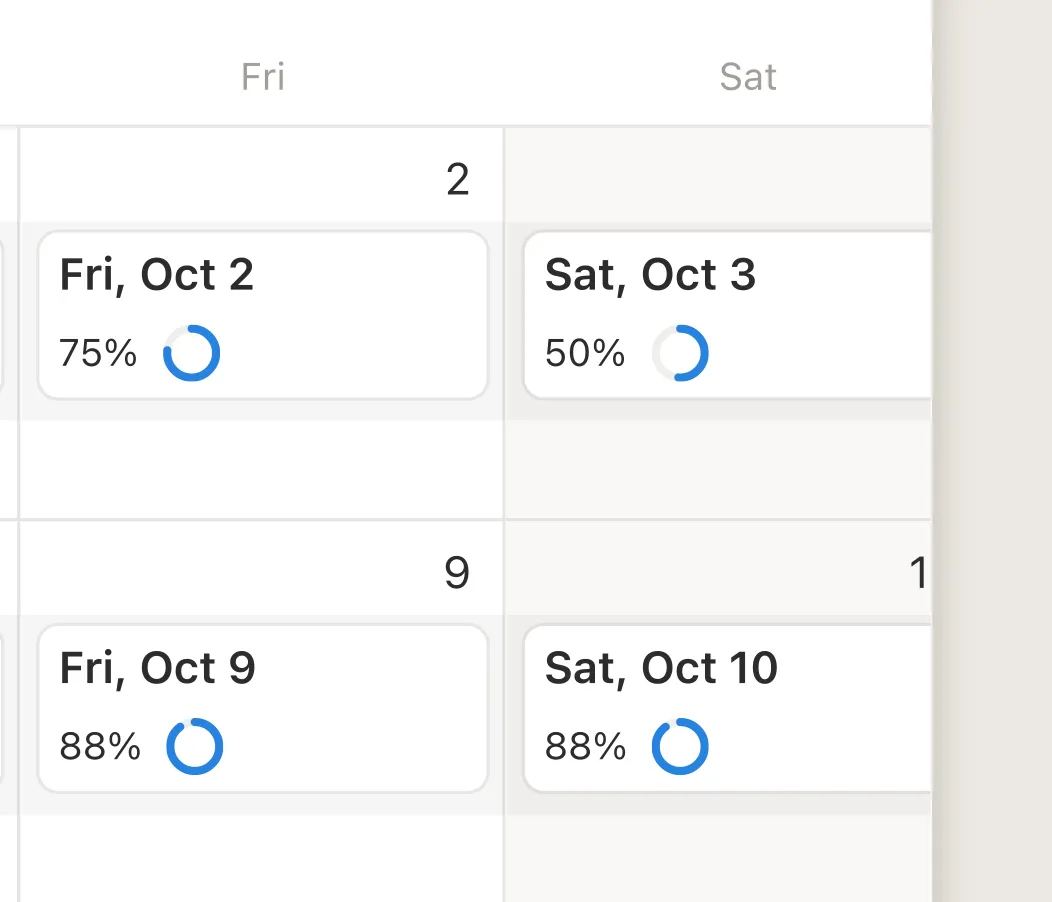
We printed a Notion page with a month calendar on it from Chrome on US Letter paper. On the first try, in portrait, the calendar came out as a calendar, but the right edge was cut off. The picture at the top of this guide is that page. Here’s its right edge up close:
In landscape it got worse. Notion redrew the page for the wider paper, and only the first week made it onto the page, under the next heading:

So check the preview every time, and print one page before a whole stack. If a view comes out half drawn, close the print window, wait a few seconds and try again.
3. Export a calendar to PDF
- Open the page or the calendar you want.
- Click ••• at the top right, then More, then Export.
- Pick PDF. Under Page format, choose Letter or A4, and lower Scale percent if the calendar is wide.
- Click Export, open the file and print it.
For a database, Notion exports only the view you have open, or the default view, so open the calendar view first. On a phone the same menu is there, and Notion sends you a link to the file. Exporting a page with all of its subpages is only on the Business and Enterprise plans.
4. The screenshot trick
When one month has to look exactly like it does on screen, a screenshot is the most reliable way:
- Open the calendar and zoom the browser out with Ctrl and minus (Command and minus on a Mac) until the whole month fits.
- Take a screenshot: Shift+Command+4 on a Mac, Windows+Shift+S on Windows, then drag over the month.
- Open the picture and print it in landscape, set to fit the page.
Need a clean paper calendar?
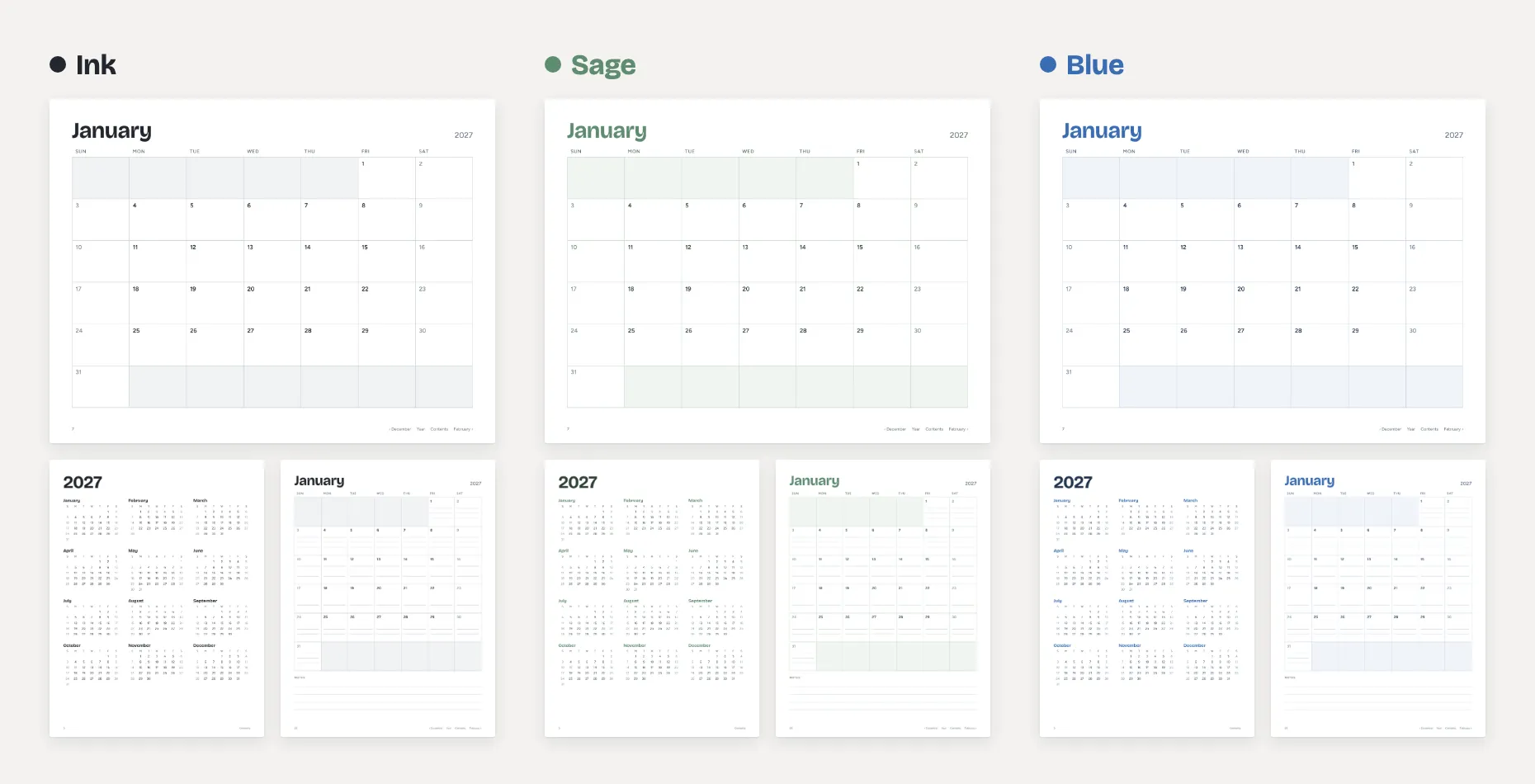
Notion’s calendar is made for the screen: it shows your events, not a grid to write on. For a calendar on the fridge or in a binder, a printable PDF made for paper works better. It’s sized for Letter or A4, so each month fits on one page.
Which way is right for you?
Print from your browser, in landscape
Your plans are in Notion, so print that page. Use landscape, lower the scale until Saturday fits, and check the preview. If it still cuts off, use the screenshot trick.
Use a printable PDF calendar
A PDF made for paper fits the page, with room to write in each day. Pick one in your paper size, Letter or A4, with your week start. Our 2027 Calendar comes in both.
Use a year page from a printable PDF
Notion’s calendar shows one month at a time, so it can’t print a year on one page. A printable year page can, and you can mark birthdays and holidays on it by hand. Our 2027 Calendar has 2027 and 2028 at a glance.
Export to PDF
Use •••, More, Export, PDF and open the calendar view first. You get a file you can save, email or print later.