

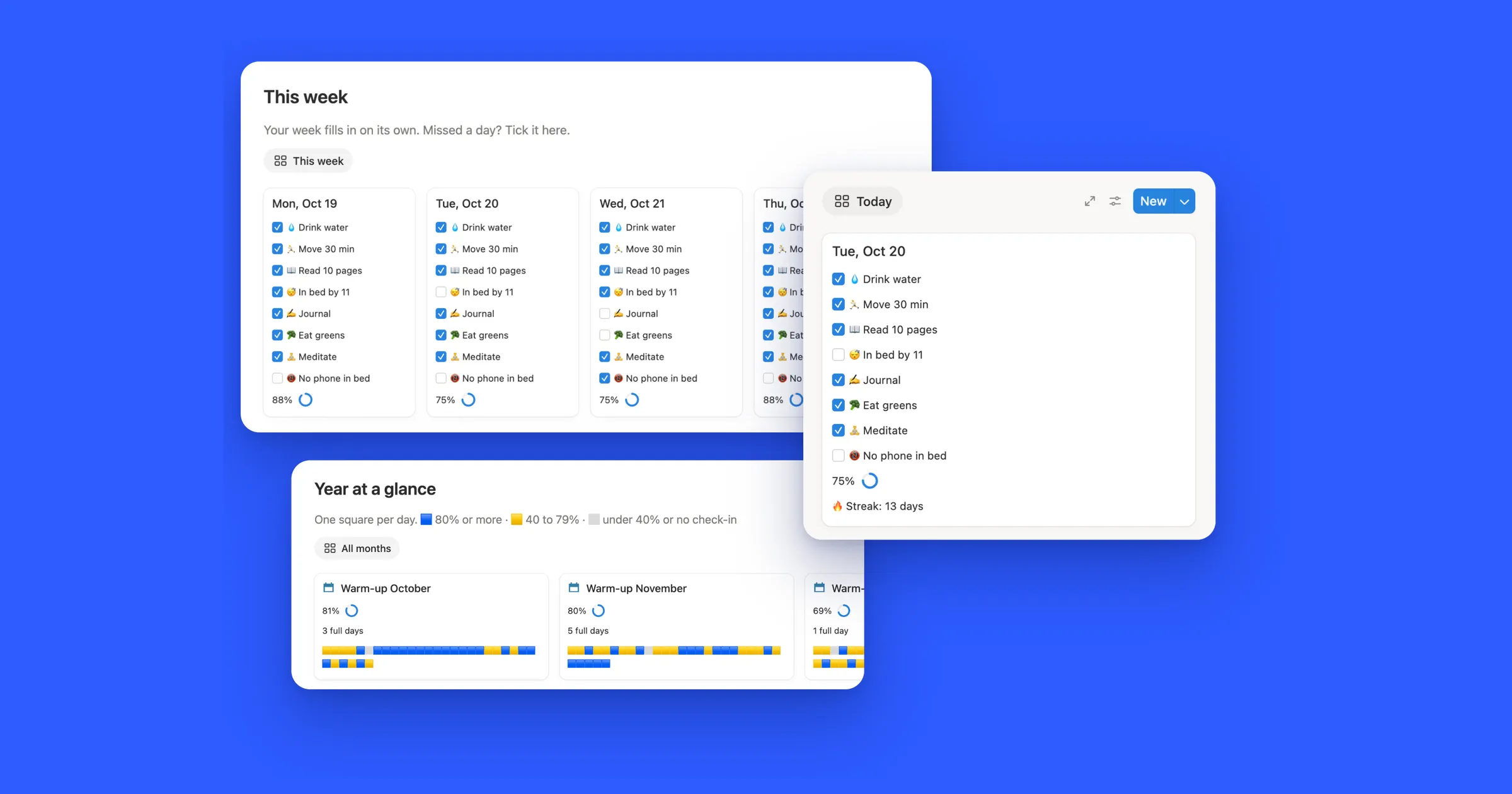

Try it first
Tick a few boxes, then press Uncheck all. That’s what the button below does in Notion, for every page in your checklist.
Three ways to start fresh each day
| Way | How it runs | Plan |
|---|---|---|
| Uncheck all button | You click it each morning | Free |
| Daily automation | Runs by itself at the time you set | Paid plans |
| A new page every day | Notion adds a fresh copy each day, and keeps the old ones | Free |
1. Make an Uncheck all button
This works when your checklist is a database, with one page per task and a Checkbox property, here called Done.
- On the page above your checklist, type
/buttonand name it Uncheck all. - Click New action and choose Edit pages in, then pick your checklist database.
- Add a filter: Done is Checked. That way only the ticked pages change.
- Click Edit property, choose Done and set it to unchecked. Click Done to save the button.
Now one click unticks the whole list. The same kind of button runs the busiest parts of our templates:
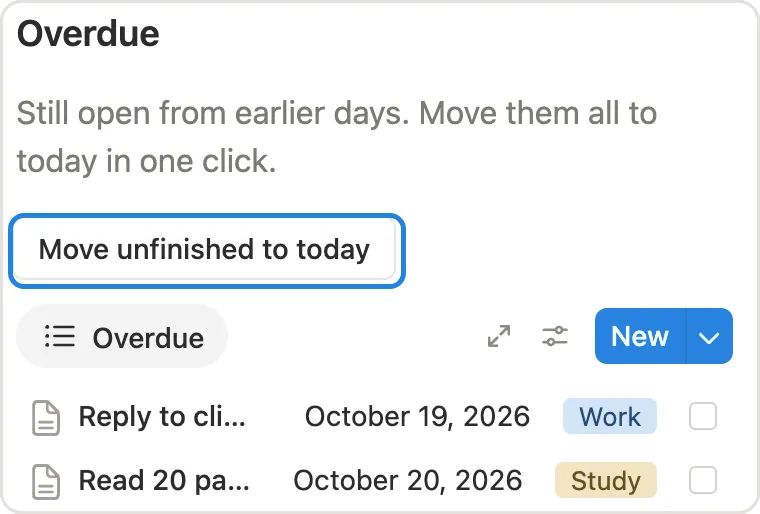
2. Reset it by itself every morning
On a paid Notion plan, an automation can press the button for you:
- Open the checklist database and click the lightning bolt at the top right, then New automation.
- Under When, choose Every day and set a time, like 5:00 AM, and your time zone.
- Under Do, choose Edit pages in, pick the same database, filter to Done is Checked and set Done to unchecked.
The daily trigger can’t be paired with Edit property, which is why this uses Edit pages in even though it’s the same database.
3. A new page every day, on the free plan
Instead of unticking yesterday, let Notion hand you a clean page each morning. Make a database template with your checklist on it, then open the New dropdown, click ••• next to the template and set Repeat to daily. Every day Notion adds a fresh copy with every box empty, and the old days stay in the database, so you can look back at them.
That’s how the Today card at the top of this guide works: a new card for every day, and the ticks from past days are kept for the week, month and year views.