
Free Notion Pomodoro Timer Widget

A Pomodoro timer for your Notion page: 25 minutes of focus, a short break, and a soft chime when time is up.

  • Free
  • No sign-up
  • No watermark
  • Dark mode
Live preview

Set your minutes

Pick a look
Customize colors, font and sessions

A soft chime plays when a session ends. Everyone who opens your page gets their own timer.

In Notion, paste it on an empty line and choose Embed.

How does the Pomodoro timer work in Notion?

This free Pomodoro timer works on any Notion page. It runs 25 minute focus sessions with 5 minute breaks and a 15 minute long break after every fourth session, and you can type your own minutes, like 50 and 10. Choose a ring, flip cards or a minimal look in your colors and font, copy the link and embed it on your Notion page. Start, pause, restart or skip with one click. A soft chime plays when a session ends, even while you work in another tab, and the timer keeps its place if the page reloads. Free to use, with no sign-up and no watermark.

How to add it to Notion

  1. Enter your focus and break minutes, pick a timer style and click Copy link.

  2. Paste the link on an empty line of your Notion page, wherever you want the timer, and pick Embed from the list Notion shows.

    Pomodoro timer link pasted in Notion, with the Embed choice circled
  3. Press Start and get to work. If the timer looks too big or too small, drag the embed taller or shorter and it adjusts.

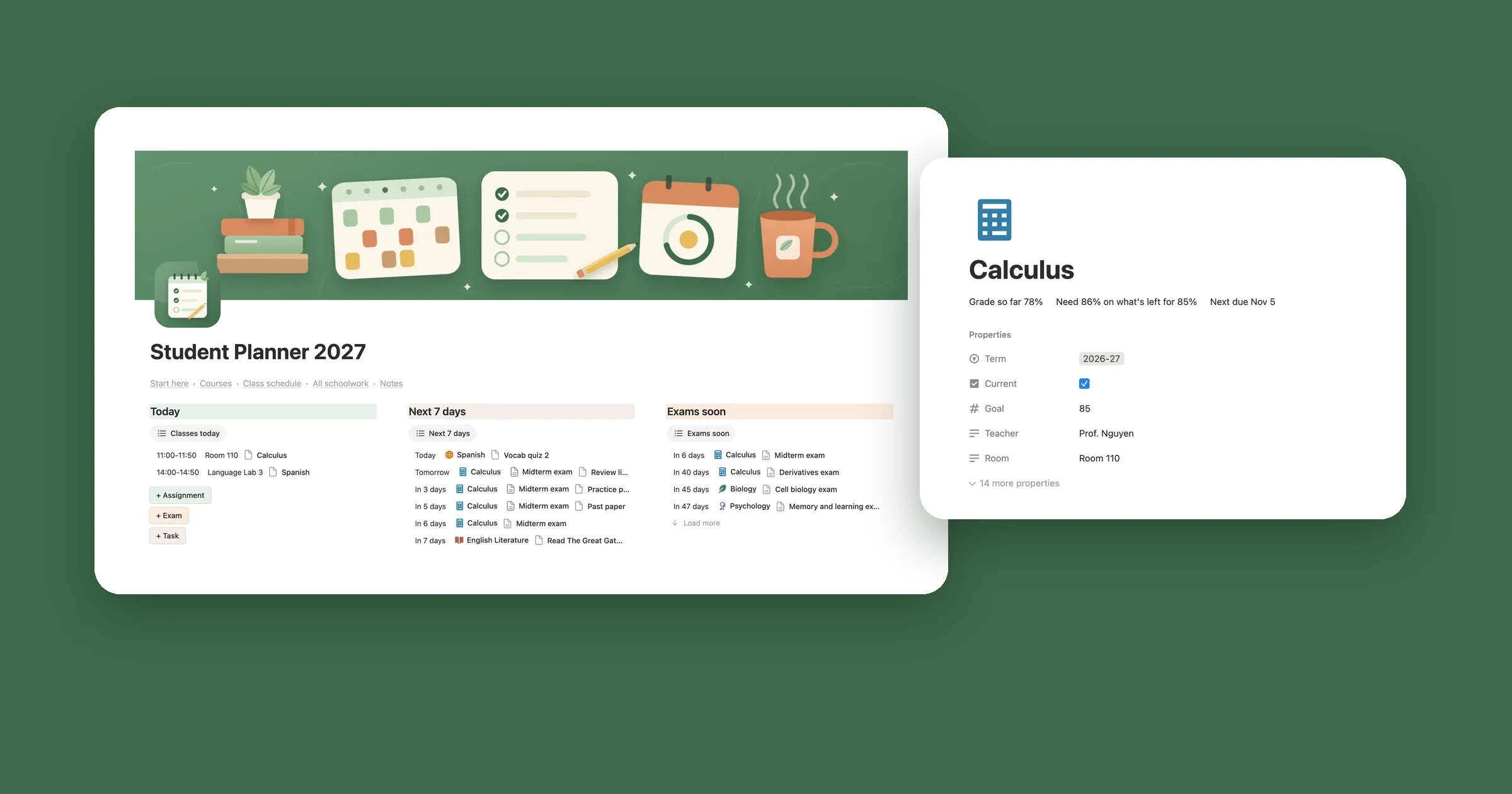
    Pomodoro timer widget on a Notion page called My dashboard, with a red ring around 25:00 and a Start button

Pomodoro timer styles

The look buttons in the maker switch between these, and your minutes don’t change when you do.

Ring timer

The time inside a ring that empties as the session runs, with a dot for each round. On a wide embed the buttons sit beside the ring, and in a narrow column they stack under it.
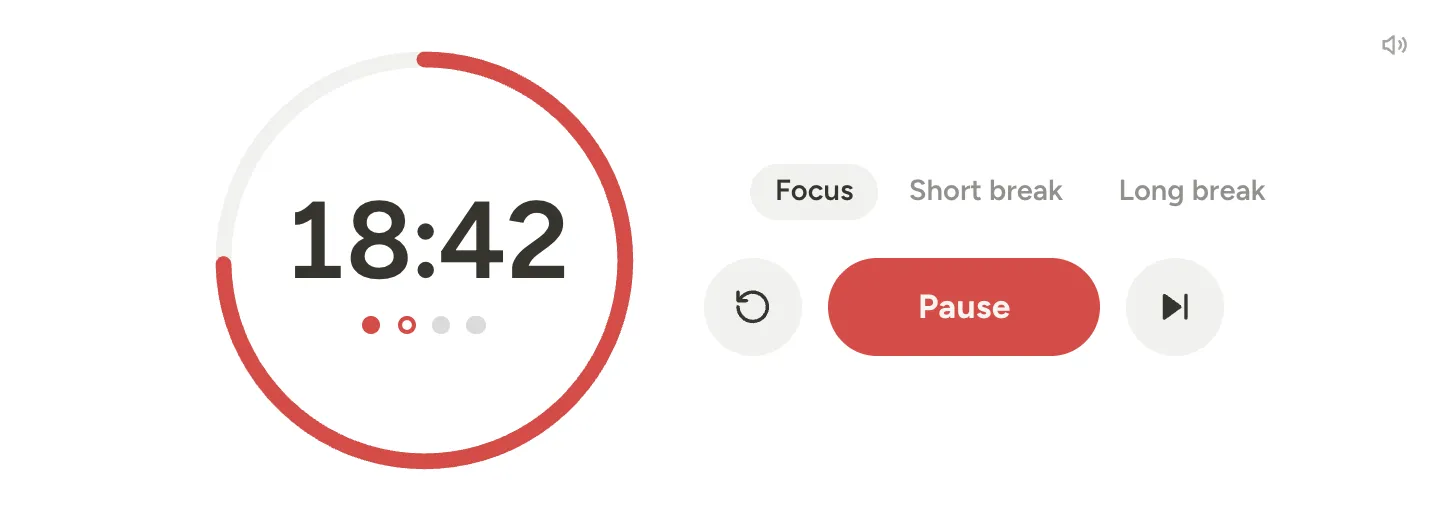
Pomodoro timer widget for Notion with 18:42 left inside a red ring, round 2 of 4, and a Pause button

Flip card timer

Minutes and seconds on two black cards, like a flip clock, with Focus, Short break and Long break above them.
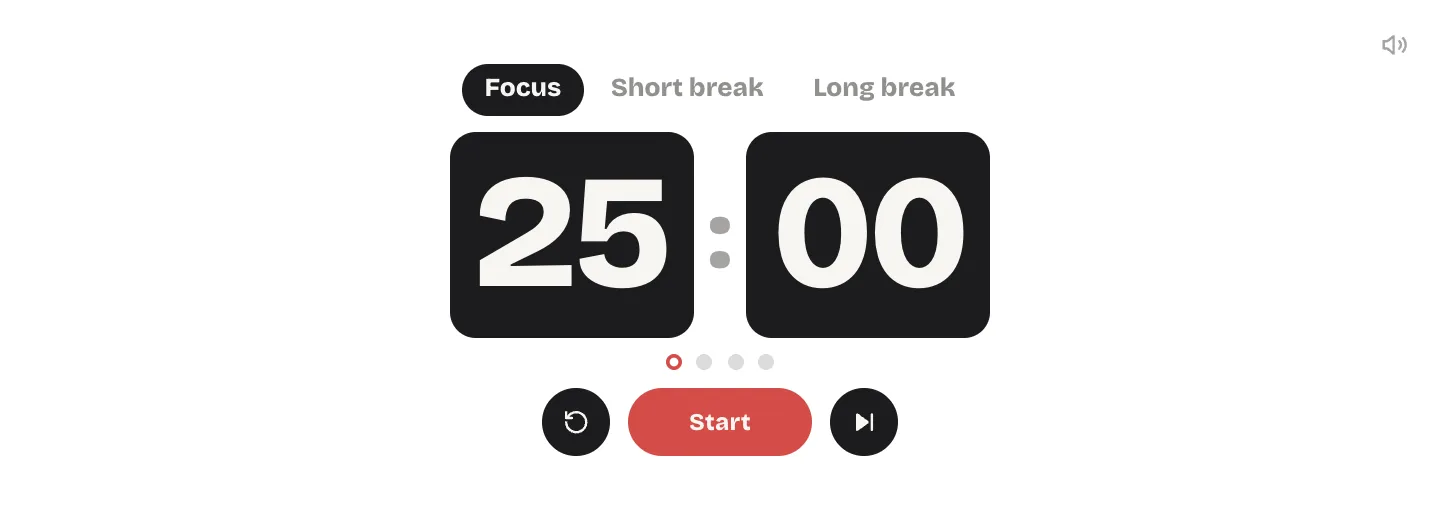
Flip card Pomodoro timer widget for Notion showing 25:00 on black cards

Cute pink Pomodoro timer

A pink ring and a rounded font on soft pink, for a cozy pastel study corner.
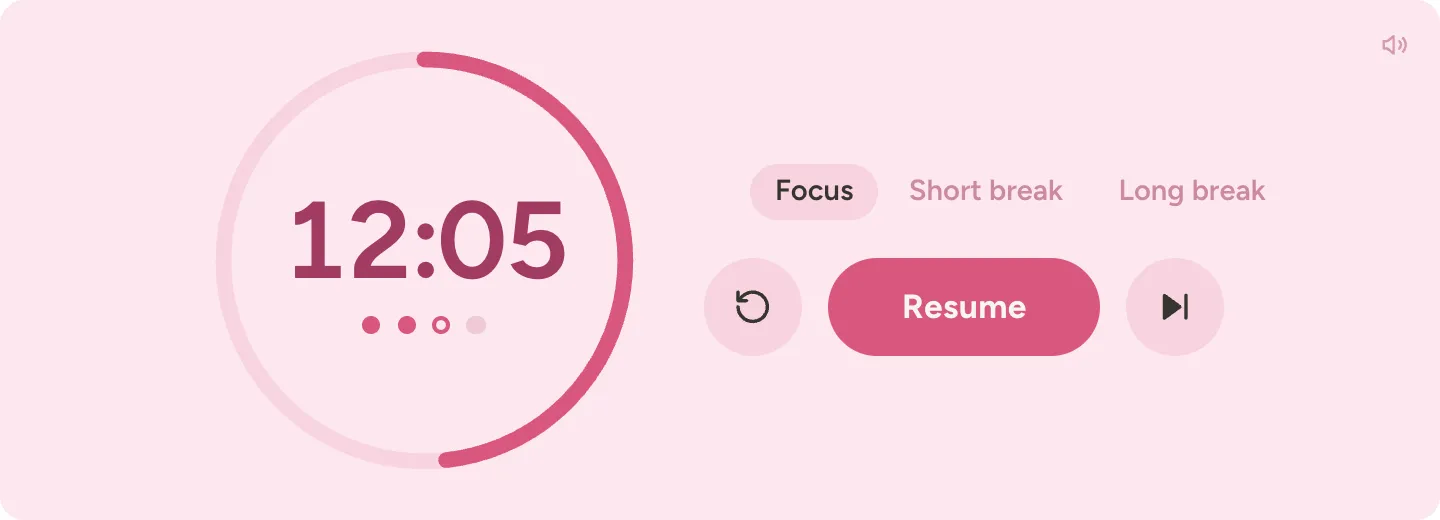
Cute pink Pomodoro timer widget for Notion with a pink ring around 12:05

Minimal timer

The time in large light numbers with small buttons under it. On Notion colors with no background, nothing frames it, so it feels built into the page.
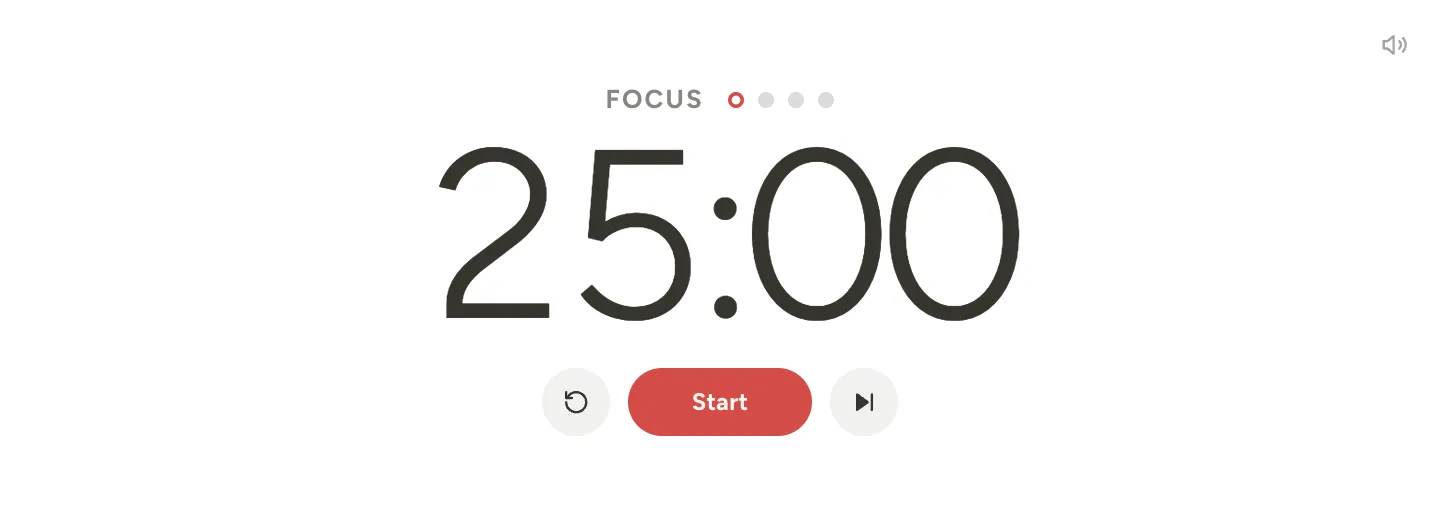
Minimal Pomodoro timer widget for Notion with 25:00 in large light numbers

Aesthetic timer

A serif minimal timer on warm beige, quiet enough to sit beside your reading notes or journal.
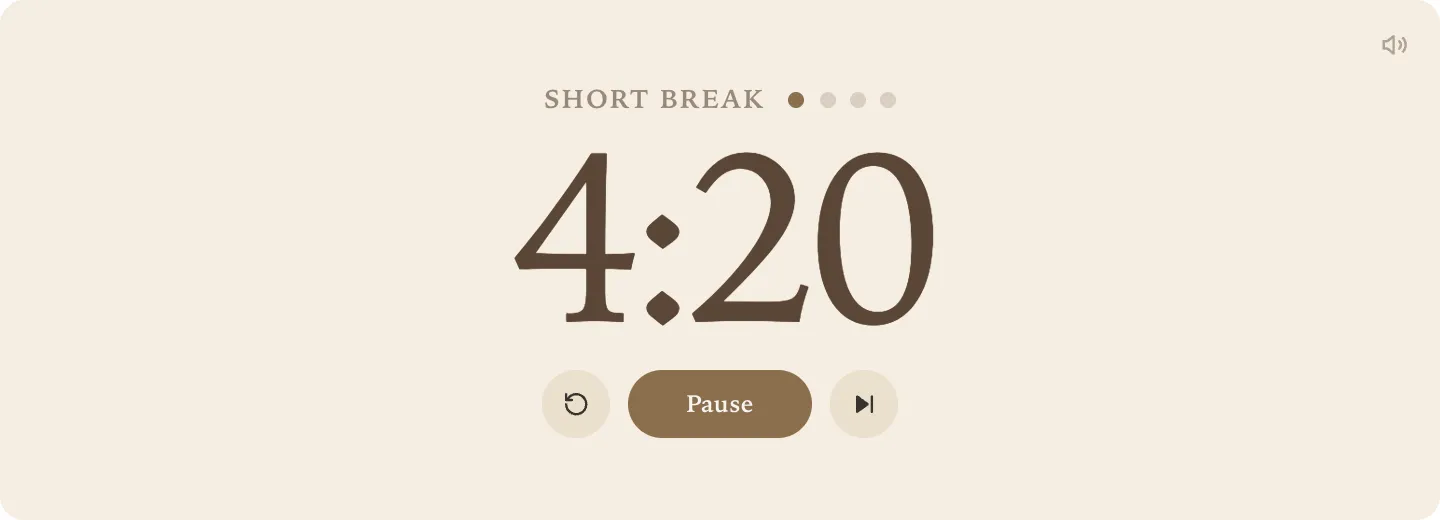
Aesthetic Pomodoro timer widget for Notion in a serif font on beige, 4:20 left in a short break

Tomato timer

Cream on tomato red, a nod to the kitchen timer the Pomodoro Technique is named after.
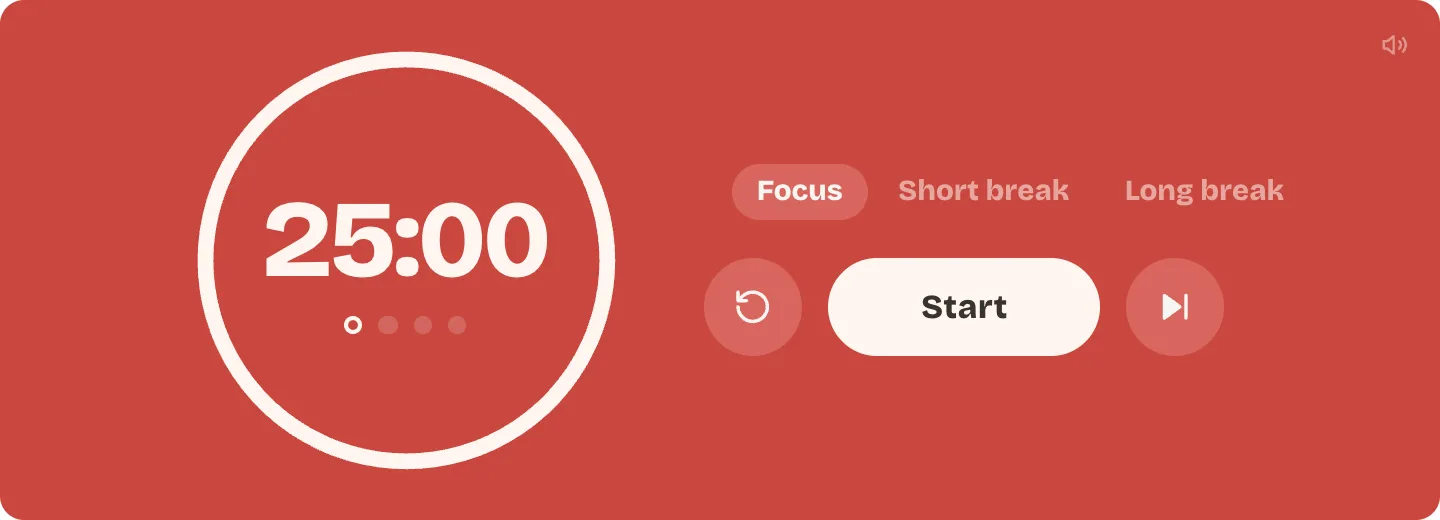
Tomato red Pomodoro timer widget for Notion with a cream ring around 25:00

Study timer

Set Name of the focus session to Study, and the timer says Study instead of Focus. This one uses sage green cards.
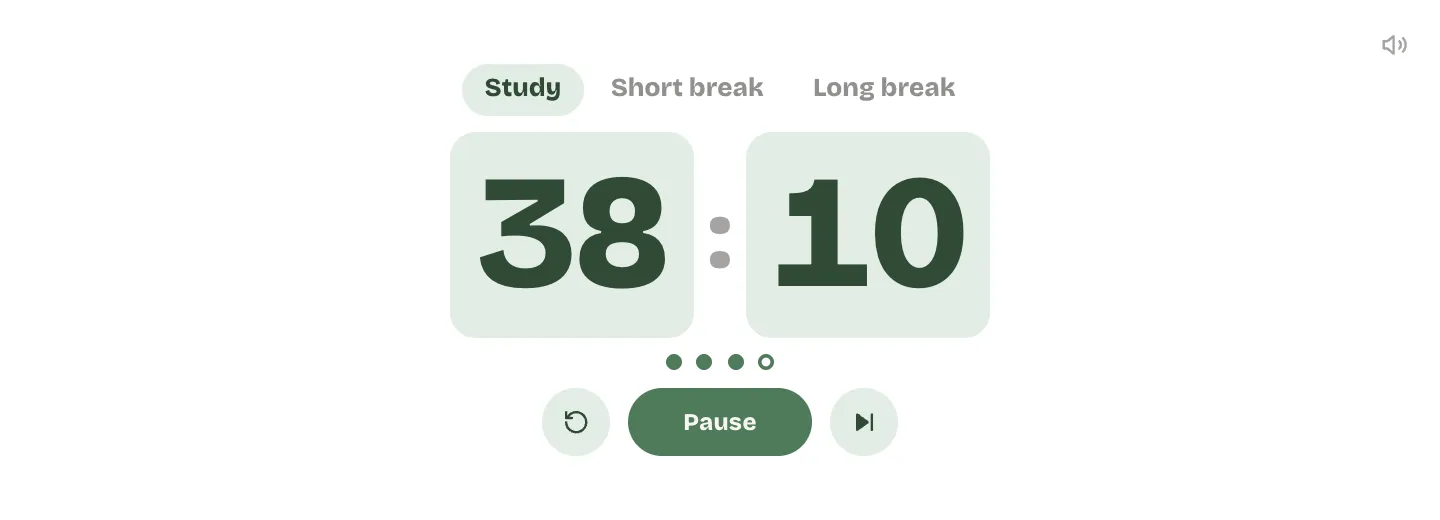
Study timer widget for Notion with 38:10 on sage green cards under Study, Short break and Long break

Dark mode

Turn on dark mode on your device and a timer on Notion colors turns dark with it. To keep it dark even on a light device, pick the Always dark option under Your Notion page.
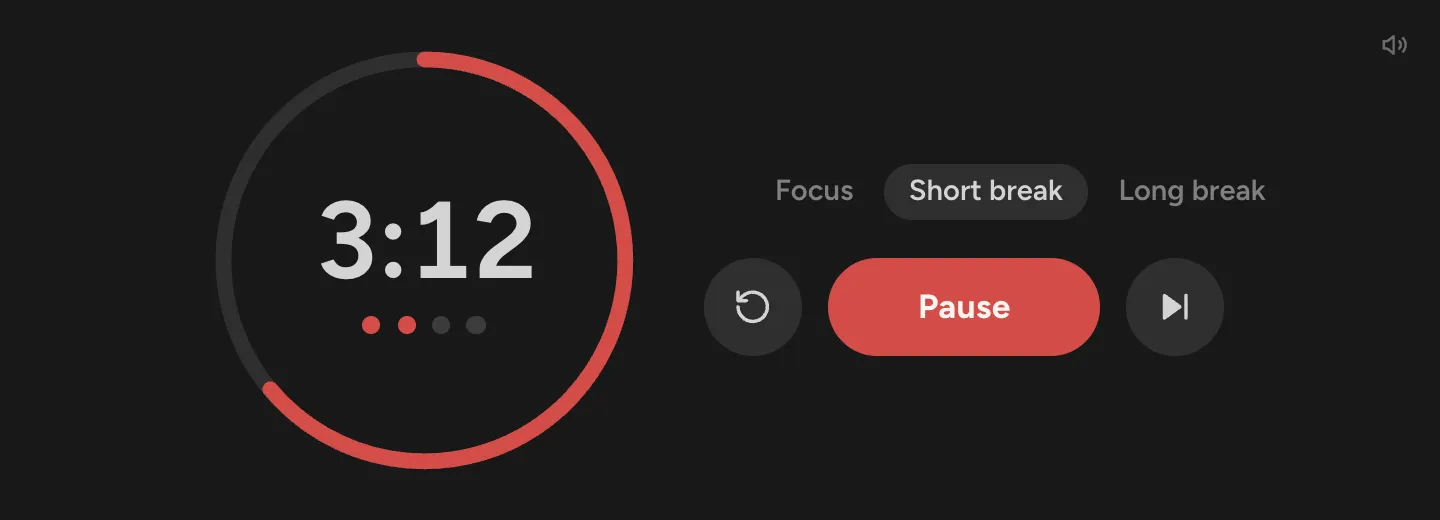
Pomodoro timer widget in dark mode during a short break, with 3:12 left inside a red ring

Questions

Is this Notion Pomodoro timer free?

Yes. The timer, the chime and every look cost nothing, and you never make an account or see a watermark.

Can I use it with a free Notion account?

Yes. Notion lets every plan, free included, add embeds, and that’s all the timer needs.

What is the Pomodoro Technique?

A way to study or work in short, timed rounds: 25 minutes of focus, then a 5 minute break, and a longer break of 15 to 30 minutes after every fourth round. Francesco Cirillo came up with it in the late 1980s and named it after his tomato shaped kitchen timer.

Can I change the focus and break times?

Yes. Type your own minutes before you copy the link: up to 180 for focus, 60 for a short break and 90 for a long break. Many people like 50 and 10. Under Customize you can also set when the long break comes, or turn it off.

Does it play a sound when time is up?

Yes, a soft chime that’s made in your browser, so there’s no sound file to load. Browsers only allow sound after a click, and clicking Start counts. Mute it with the speaker button in the corner, or untick Chime when time is up before you copy the link.

Does it keep time if I switch tabs or the page reloads?

Yes. It counts against your device’s clock, so working in another tab doesn’t slow it down, and the chime is set for the end of the session as soon as you start. If the page reloads, the timer picks up where it was on the same device.

Can the next session start on its own?

Yes. Tick Start the next session on its own under Customize, and the break starts when focus ends, then focus again when the break ends.

Can I use it as a study timer?

Yes. Under Customize, set Name of the focus session to Study, and the timer says Study instead of Focus. Put it next to your class notes or your study planner.

Can I run the timer on my phone?

Yes, it runs in the Notion iPhone app. The timer counts against the clock, so the time is right when you come back to the page.

Does the timer send anything to you?

No. It has no cookies, analytics or sign-in. The minutes come from the link, and the only thing it stores is the running session, kept in your browser so a reload doesn’t lose it.