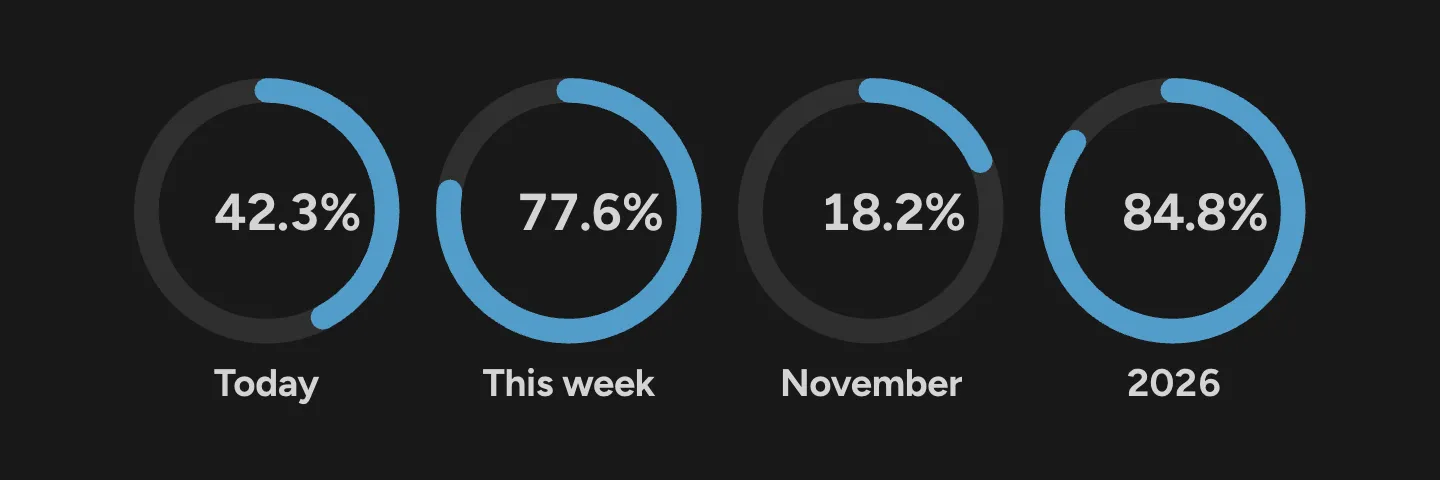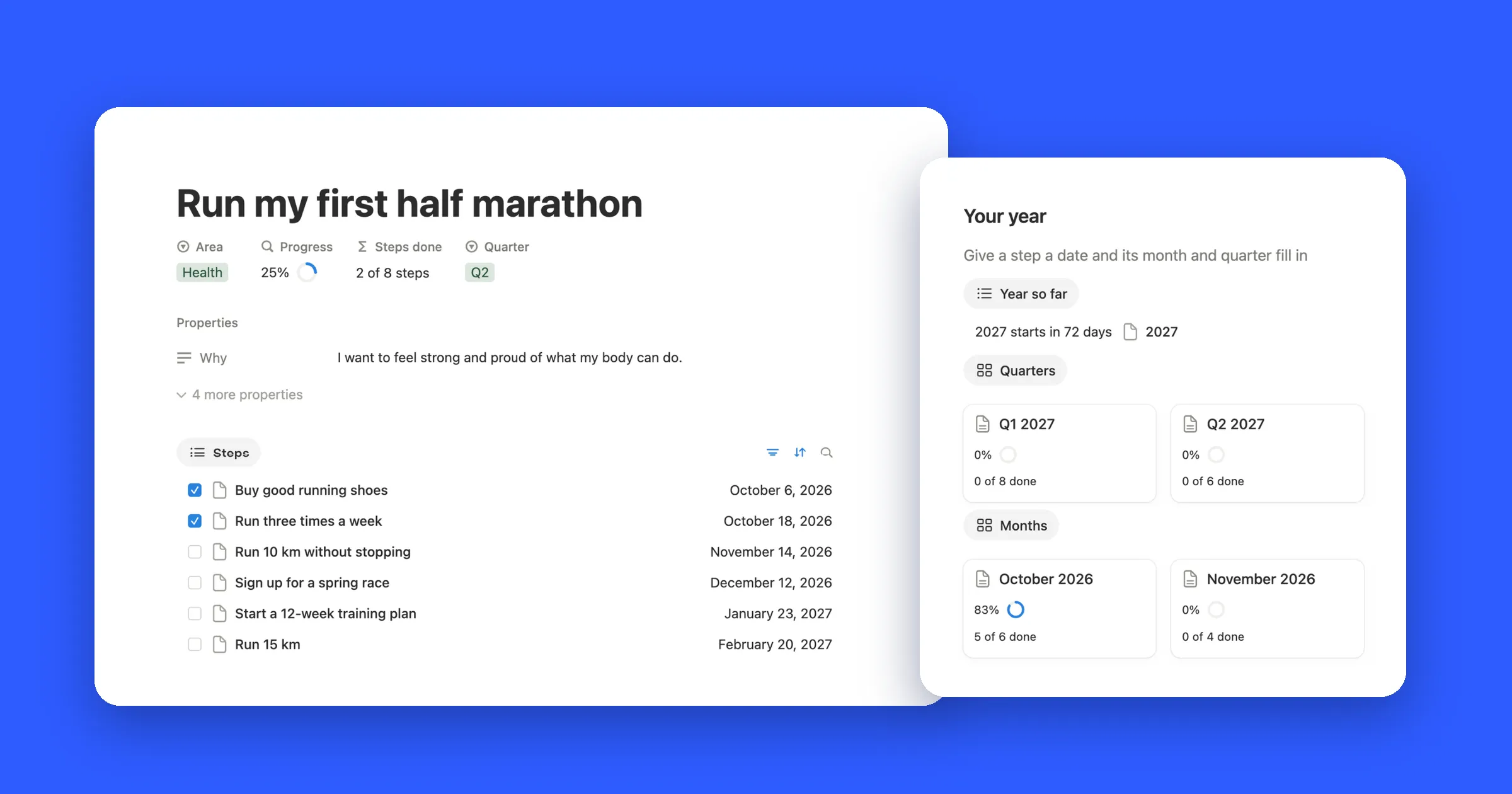


Progress bar widget styles
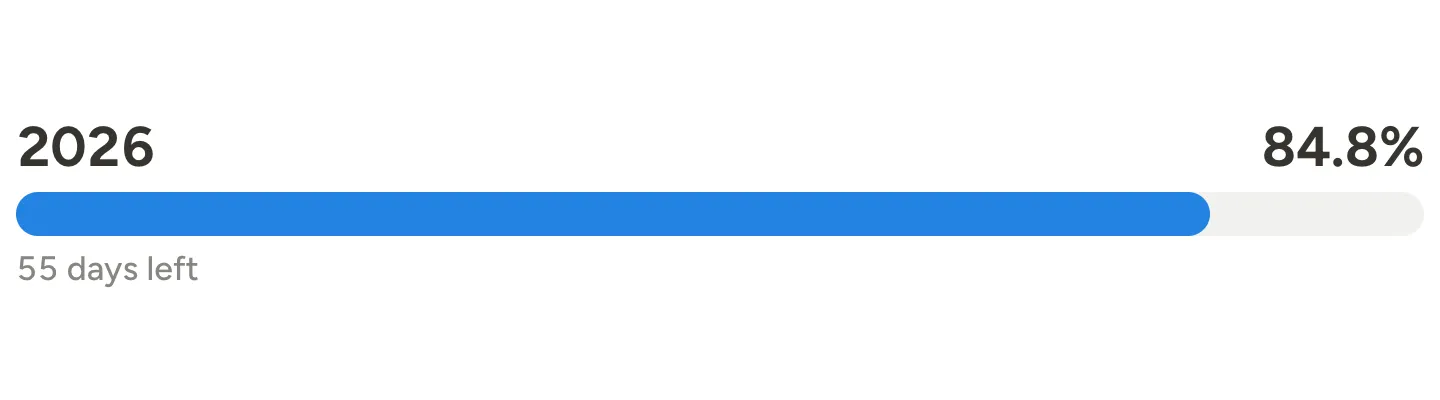
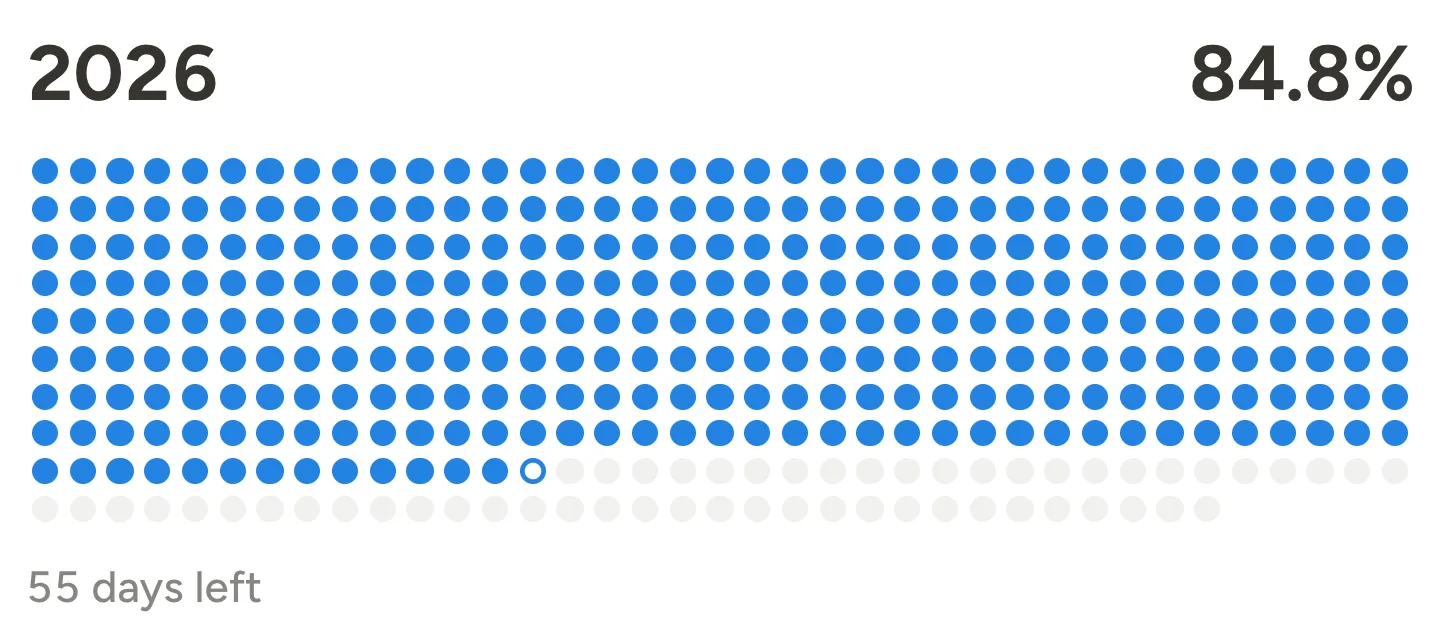
Click any look above the preview to try it. The images below were taken on Friday, November 6, 2026, when 84.8% of the year was gone.
Year progress bar
A slim bar like the ones in Notion databases, with the year on the left, the percent on the right and the days left under it. On Notion colors it sits quietly on your page.
Year in dots
One dot for each day, 365 of them in 2026. Filled dots are days behind you and the ringed one is today. Make the embed taller and the dots grow.
Progress ring
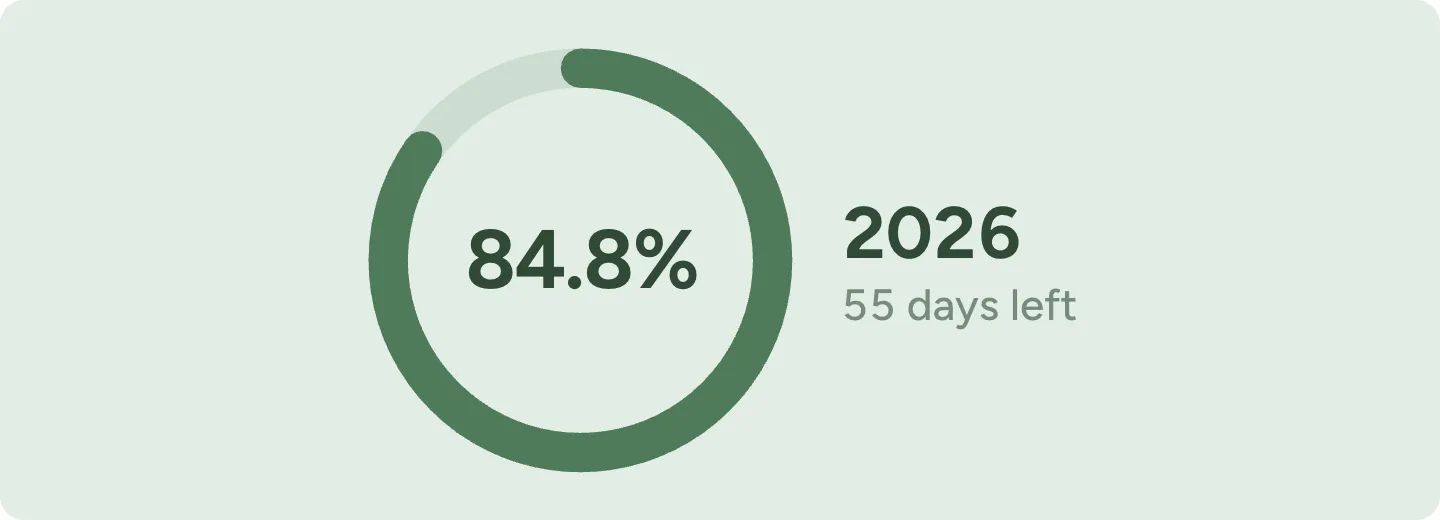
The percent sits inside a ring, with the title and days left beside it. In a narrow block the text drops below the ring. Shown here in sage green.
Day, week, month and year
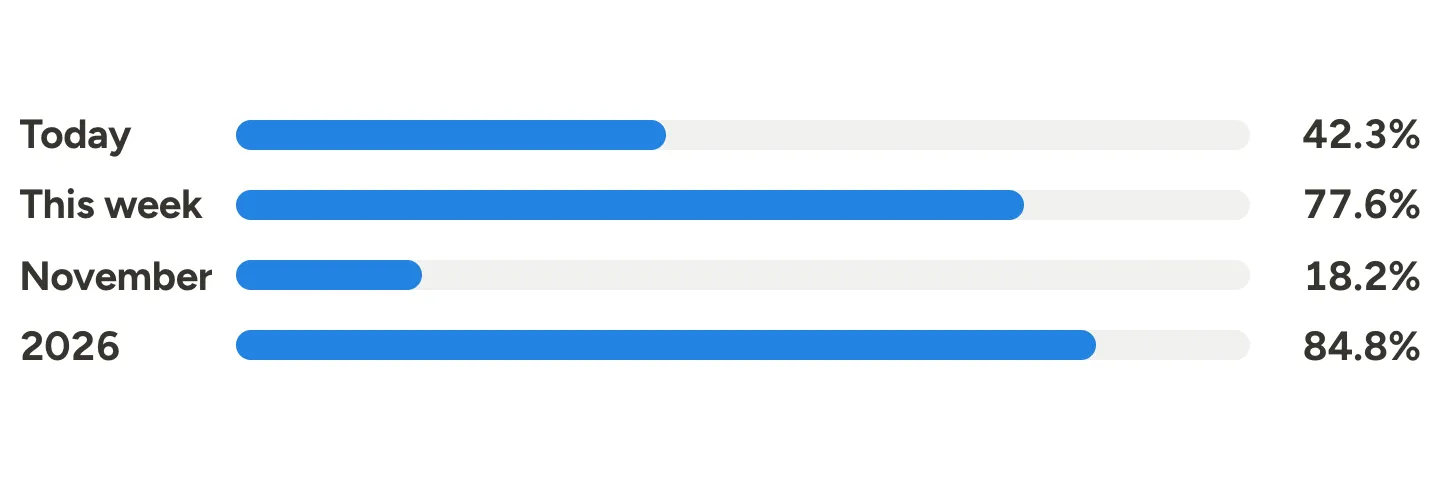
Today, this week, this month and this year as four bars, one under another. A good fit for the top of a daily planner.
Life progress bar
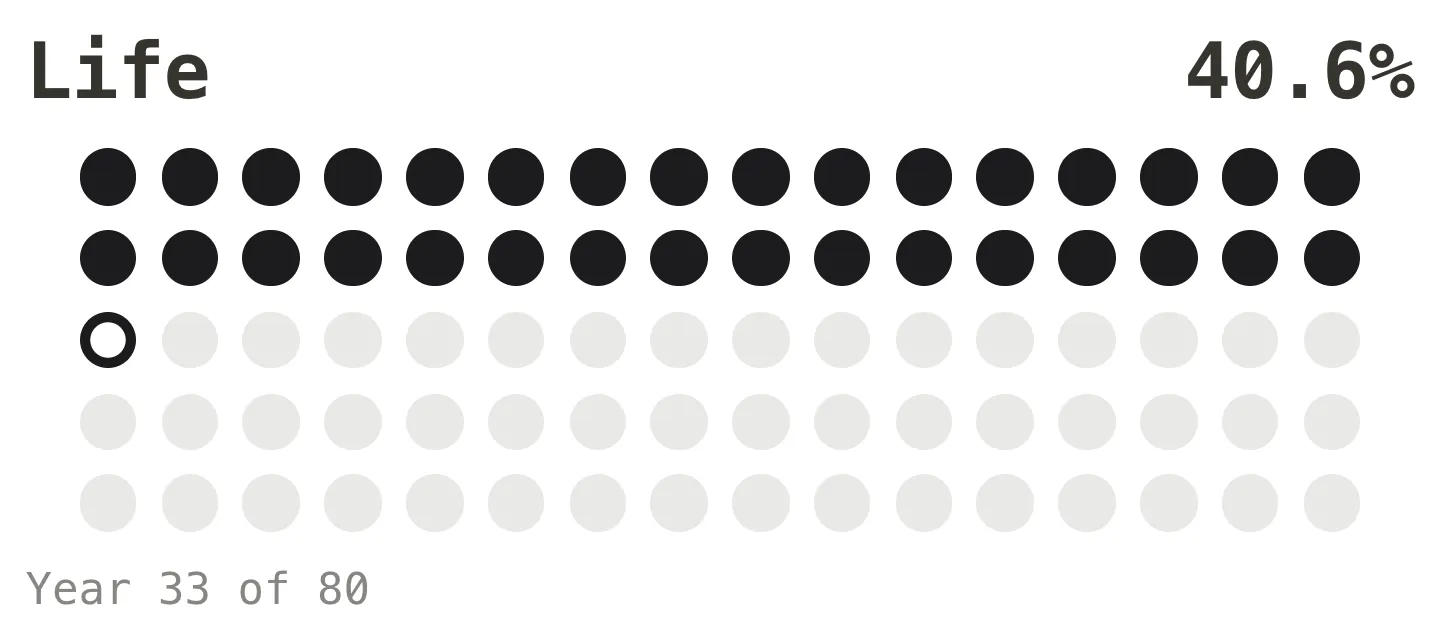
Enter a birth date and every year of a life becomes a dot, 80 unless you pick another number. Some people keep it on their home page as a calm reminder to spend the days well.
Semester progress bar
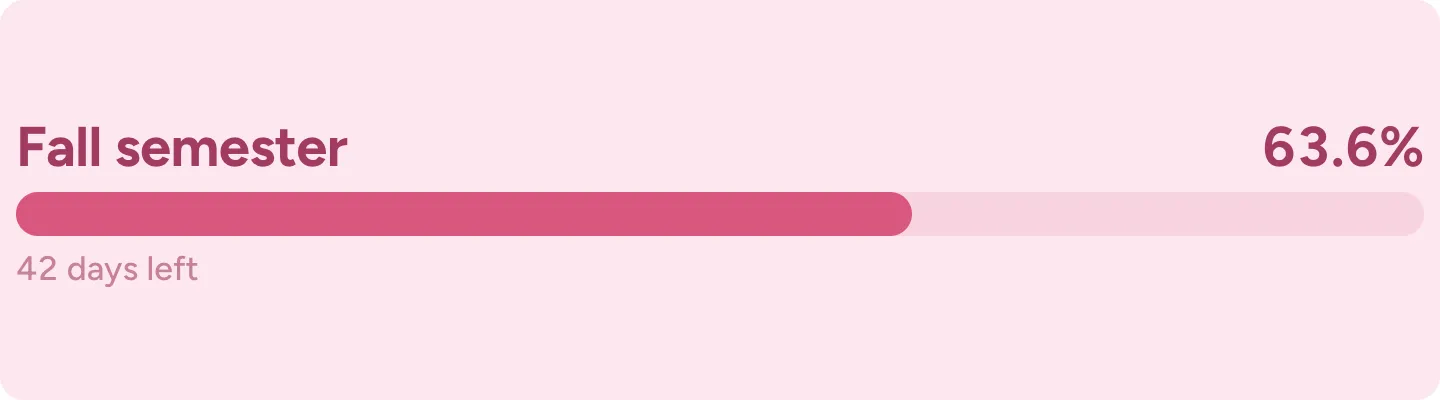
My own dates works for a semester, a school year, a training plan or a project. Give it a title and the line under the bar counts down the days. This one uses the cute pink look with a rounded font.
Aesthetic month in dots
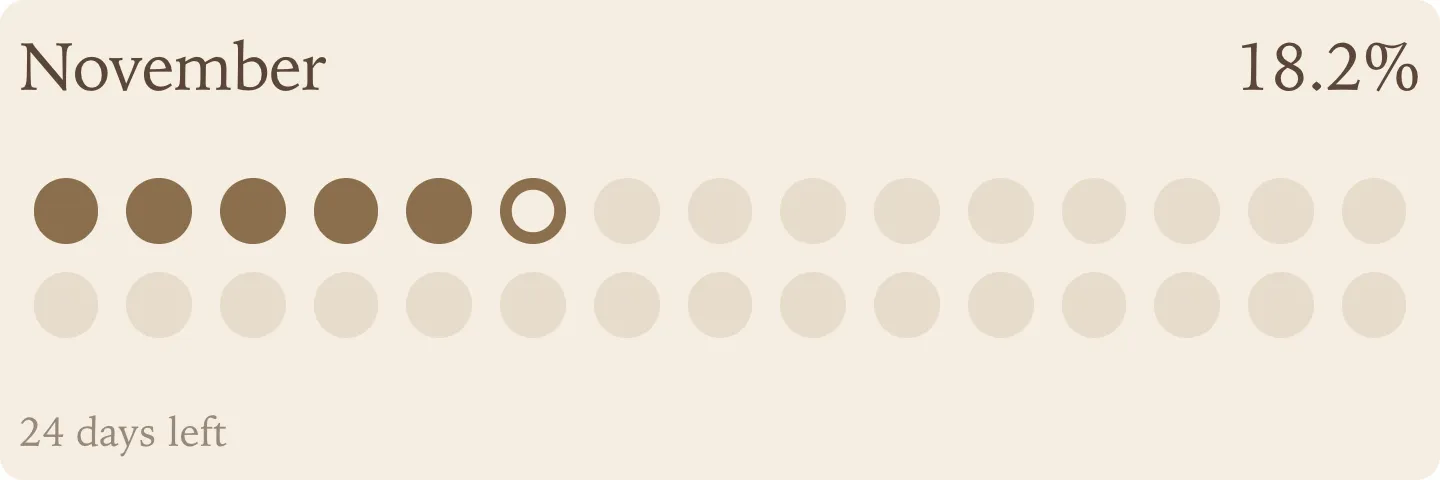
This month on warm beige in a serif font, with a dot for every day of November.
Dark mode
Leave the background on Notion and the widget turns dark together with your device. If your Notion is always dark, pick Always dark under Your Notion page so the bar never flips back to light.