
Free Notion Countdown Widget

A live countdown for your Notion page. Name it, pick the date, then show the days left, a timer or one short line.

  • Free
  • No sign-up
  • No watermark
  • Dark mode
Live preview

Name it and pick the date

Pick a look
Customize colors, font and time

With no date, it counts down to next New Year’s Day. Times are each viewer’s own local time.

In Notion, paste it on an empty line and choose Embed.

At a glance

This free countdown widget shows how long is left until a date on any Notion page: an exam, a trip, a wedding, a launch or Christmas. Type a title, pick the date and an optional time, choose big days left, timer cards or one short line, set your colors and font, then copy the link. In Notion, paste the link and choose Embed. It counts in each viewer’s own time zone, says Today on the day itself, and after the date it shows how many days ago it was instead of zeros. There’s nothing to sign up for and no watermark.

How to add it to Notion

  1. Type a title, pick the date, choose a look above and click Copy link.

  2. Open your Notion page, click an empty line where the countdown should go and paste the link. In the Paste as menu, choose Embed.

    Notion’s Paste as menu after pasting a countdown widget link, with Embed circled
  3. That’s it: the countdown is live on your page. Drag the bottom edge of the embed to make it taller or shorter, and the countdown fits itself to the box.

    Countdown widget on a Notion page called My dashboard, showing 49 days to Christmas

Countdown styles

Each style below is one click away in the preview. Your title and date stay as you set them when you switch looks.

Days left countdown

One big number of days with your title above it and the date below. The simplest way to keep a deadline or a big day in sight.
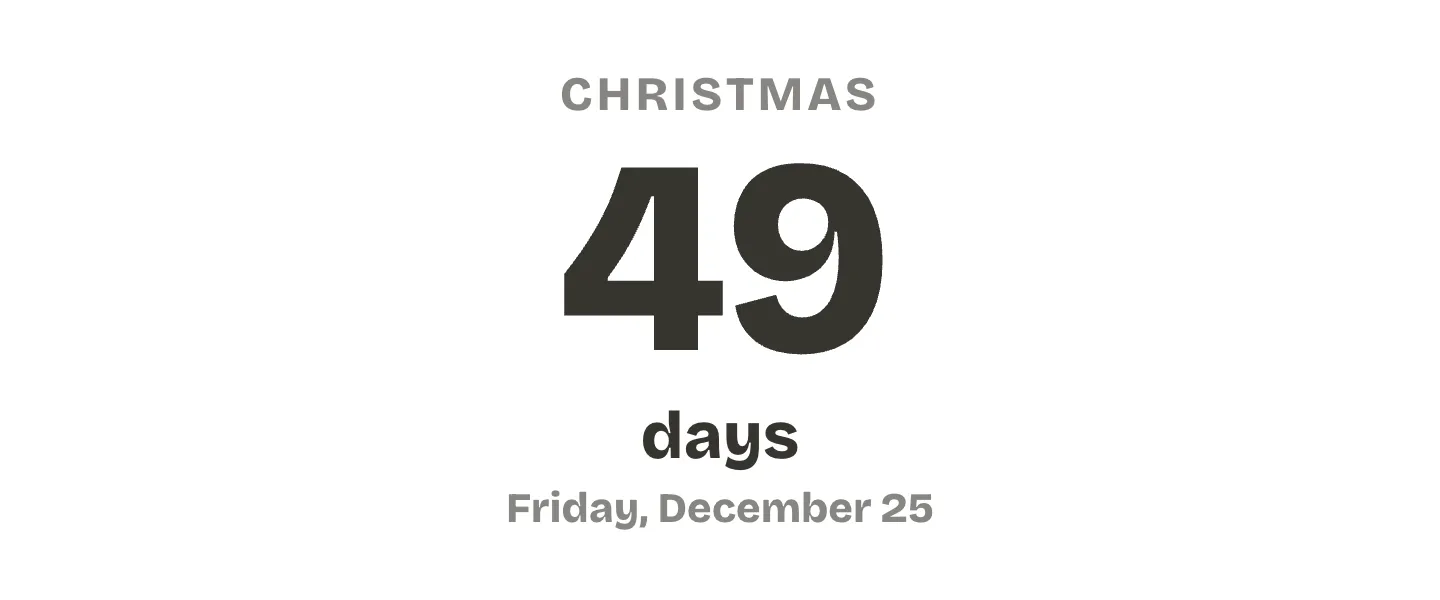
Countdown widget for Notion showing 49 days to Christmas, Friday, December 25

Countdown timer

Days, hours and minutes on cards, like a timer, counting down to the minute. Add a time to the date, and turn on seconds if you want them ticking.
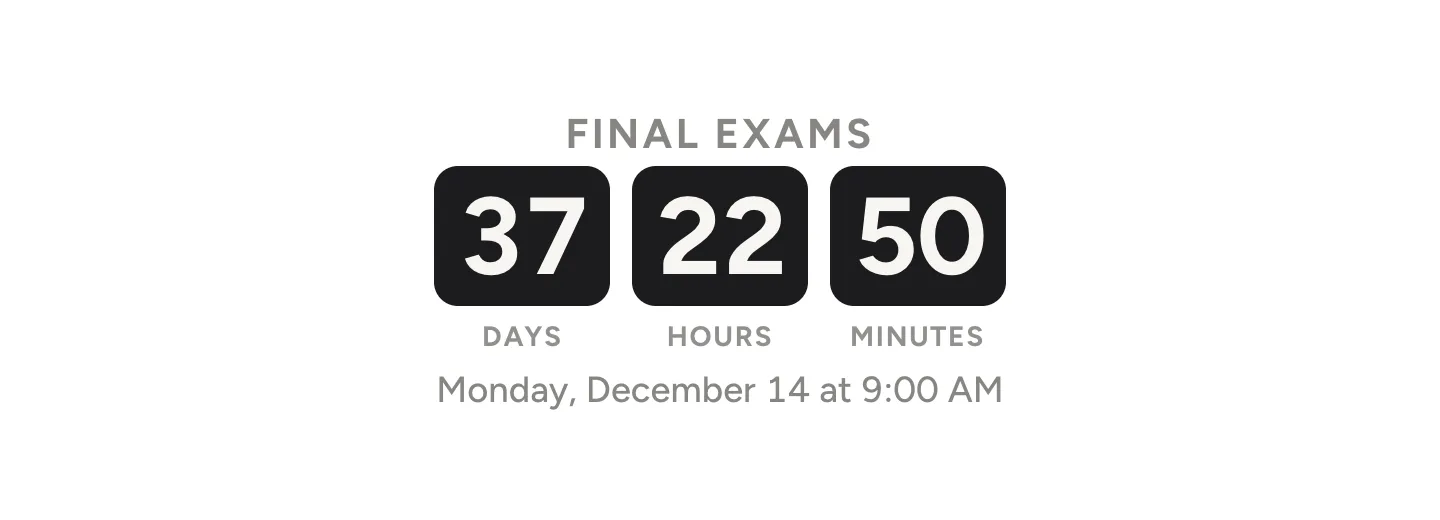
Countdown timer widget for Notion with 37 days, 22 hours and 50 minutes to final exams on black cards

Cute pink countdown

Big rounded numbers on soft pink for a wedding, a birthday or a trip you can’t wait for.
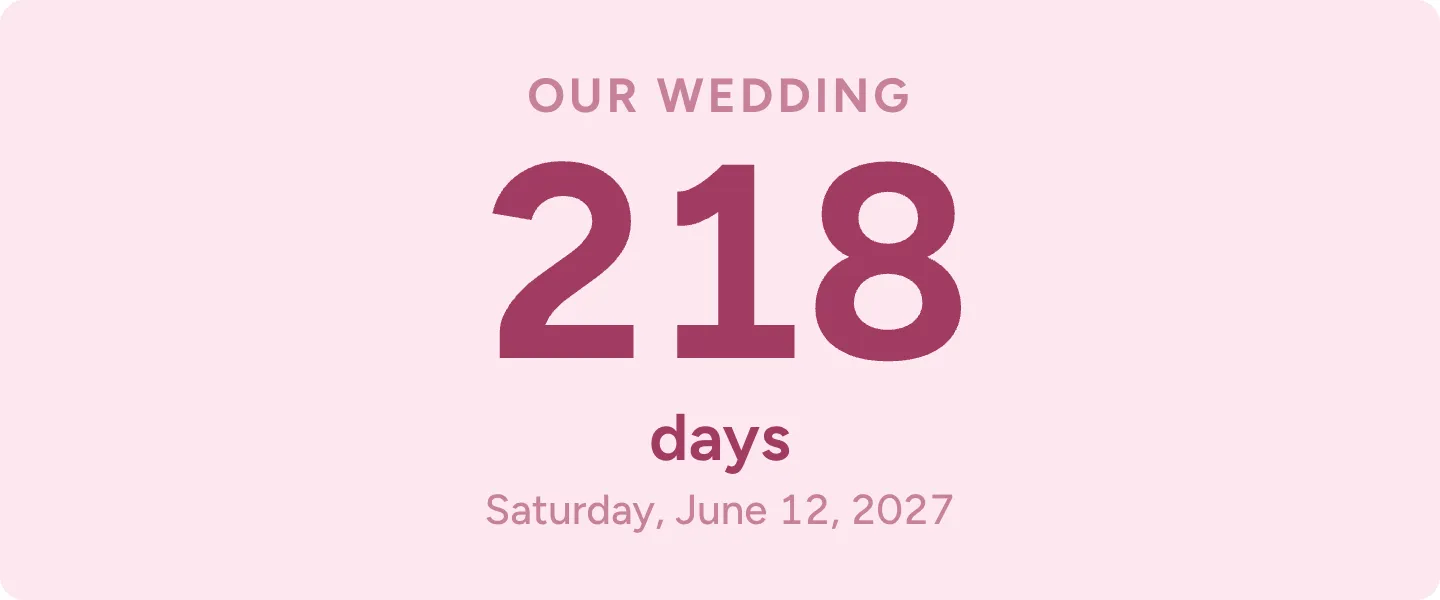
Cute pink countdown widget for Notion showing 218 days to our wedding

One line countdown

One short sentence, like Spring break in 129 days. It fits at the top of a page or under a heading without taking much room.

One line countdown widget for Notion that reads Spring break in 129 days

Aesthetic countdown

A serif number on warm beige, calm enough for a journal or travel page.
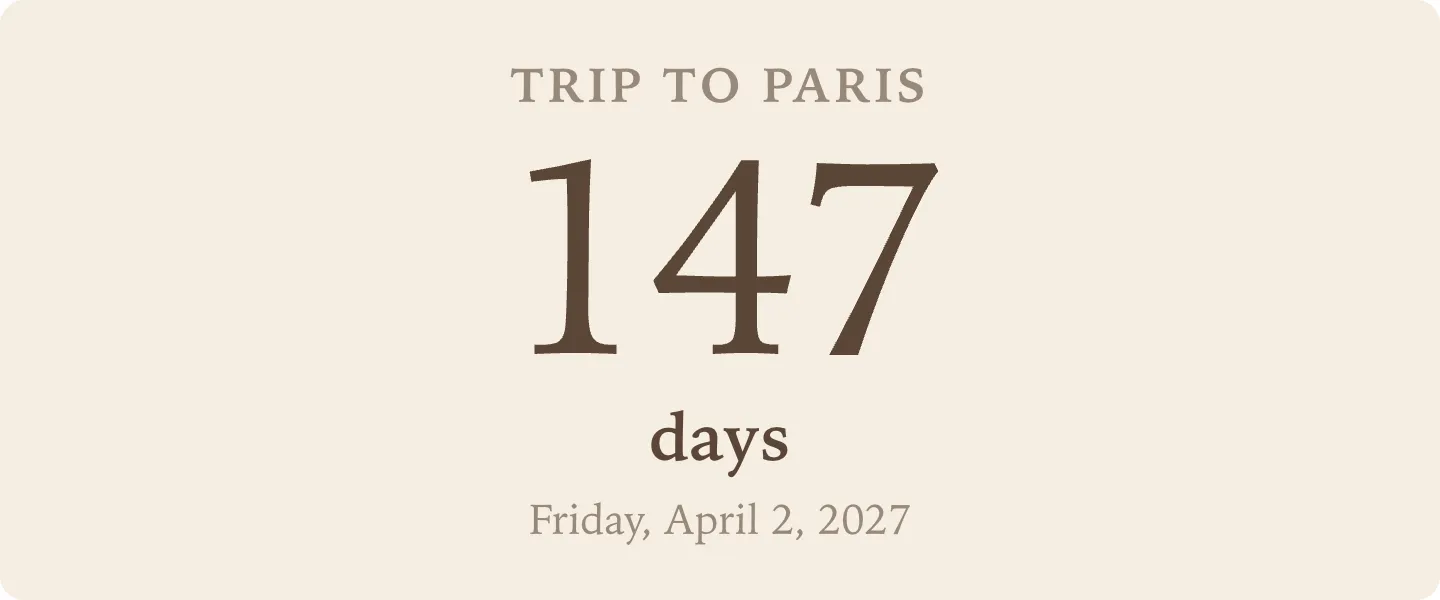
Aesthetic countdown widget for Notion in a serif font on beige, 147 days to a trip to Paris

Christmas countdown

The Festive red look counts the days to Christmas in cream on deep red. Change the title and date for any holiday.
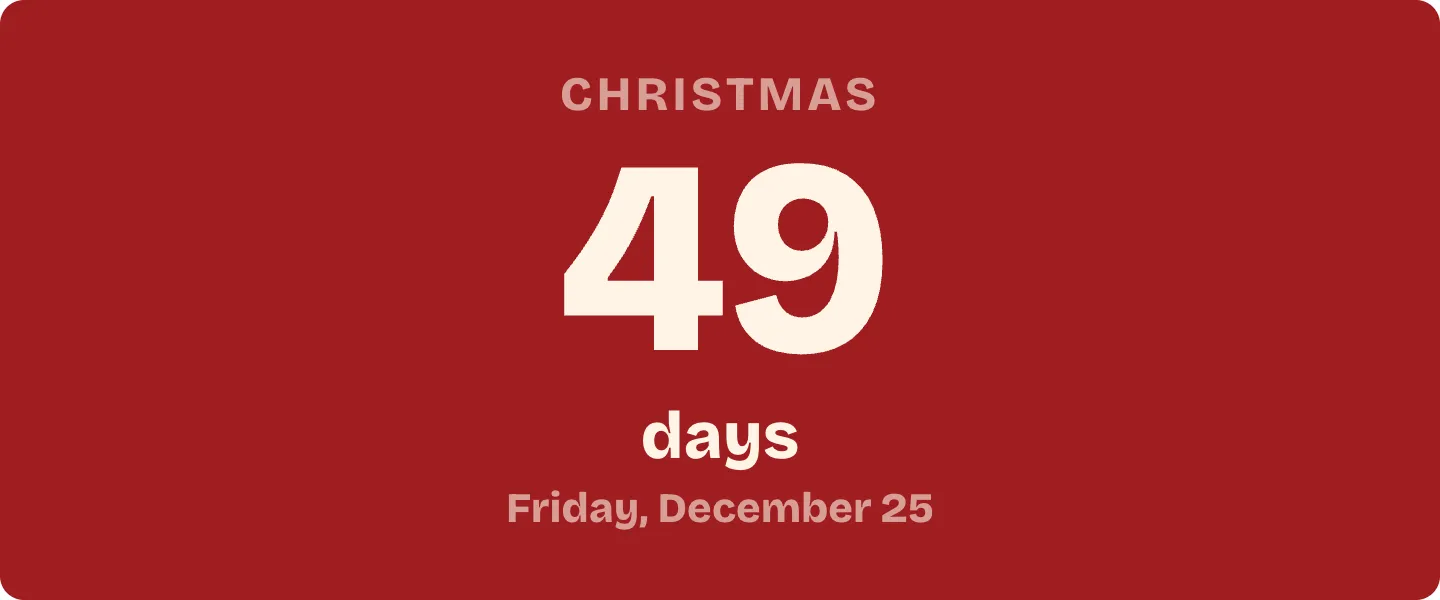
Christmas countdown widget for Notion in cream on deep red, 49 days

When the day comes

On the day itself the countdown says Today. After that it quietly shows how many days ago it was, so an old countdown never shows zeros.

Countdown widget for Notion that says Today under the title Birthday

Dark mode

With Notion colors and no background, the text and cards turn dark when your device is in dark mode. To keep it dark all the time, choose Always dark under Your Notion page.
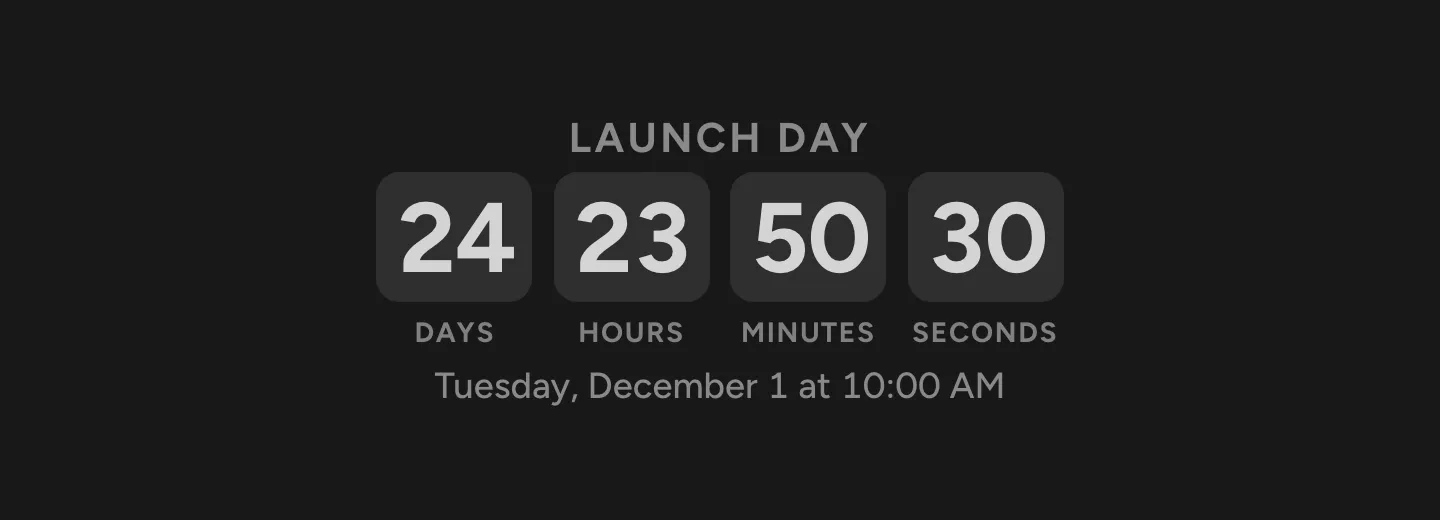
Countdown timer widget in dark mode with days, hours, minutes and seconds to launch day

Questions

Is this Notion countdown widget free?

Yes. Every look and setting is free, with no account, no trial and no watermark.

Does it work on the free Notion plan?

Yes. It’s a regular Notion embed, and embeds work on every Notion plan, the free one included.

What happens when the date arrives?

On the day itself the countdown says Today. After that it shows how long ago the date was, like 3 days ago, so your page never shows zeros or negative numbers.

Can it count down to a time of day?

Yes. Add a time next to the date. The Timer look shows days, hours and minutes, with seconds if you want them, and Days left switches to hours on the last day.

Which time zone does it use?

Each viewer’s own. A countdown to 9:00 AM ends at 9:00 AM wherever each person is.

Can I count down to more than one date?

Yes. Make a link for each date and paste each one as its own embed. To show them side by side, put them in Notion columns.

How do I change the date later?

Make the new countdown here and copy its link. In Notion, delete the old embed and paste the new link the same way.

Can I make a countdown with only Notion’s own features?

Yes. A formula in a Notion database can count the days to each date in a list. Our countdown formula guide shows how, step by step.

Does the widget collect any data?

No. There are no cookies, no analytics and no sign-in. Your title and date live in the link itself, and the countdown runs in your own browser.