
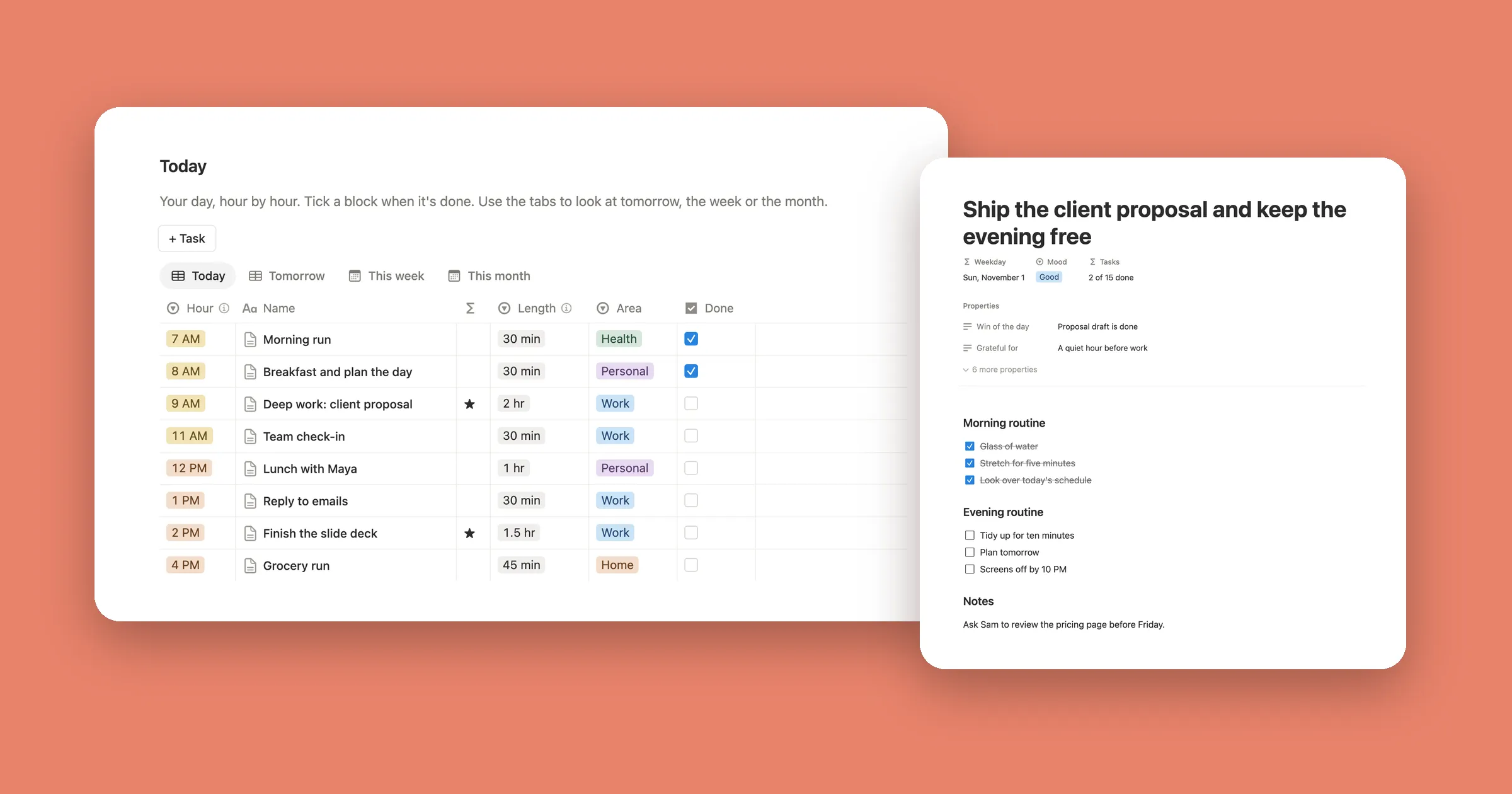
Free Notion Clock Widget

A live clock for your Notion page. Pick a flip, digital, analog or lock screen look, or one that tells the time in words.

  • Free
  • No sign-up
  • No watermark
  • Dark mode
Live preview
Pick a look
Customize colors, font and time

With Notion colors and no background, the clock turns light or dark with your device. Set Notion’s look by hand? Choose it under Your Notion page.

In Notion, paste it on an empty line and choose Embed.

At a glance

This free clock widget shows the current time on any Notion page. Pick a flip clock, digital clock, analog clock, lock screen clock or a clock that says the time in words, set your colors and font, then copy the link. In Notion, paste the link and choose Embed. Everyone who opens the page sees their own local time, or the time of a city you pick. With Notion colors it turns light or dark with your device, and there’s nothing to sign up for and no watermark.

How to add it to Notion

  1. Pick a look above, change the colors or font if you like, and click Copy link.

  2. Open your Notion page, click an empty line where the clock should go and paste the link. In the Paste as menu, choose Embed.

    Notion’s Paste as menu after pasting a clock widget link, with Embed circled
  3. That’s it: the clock is live on your page. Drag the bottom edge of the embed to make it taller or shorter, and the clock fits itself to the box.

    Clock widget on a Notion page showing Good afternoon, Sarah above 1:31 in the page’s own colors

Clock styles

Each style below is one click away in the preview. Change any of them with your own colors and font.

Flip clock

Each number sits on its own card and flips over when the minute changes, like a retro desk clock. Pick any card color and the numbers turn dark or light so they stay easy to read.
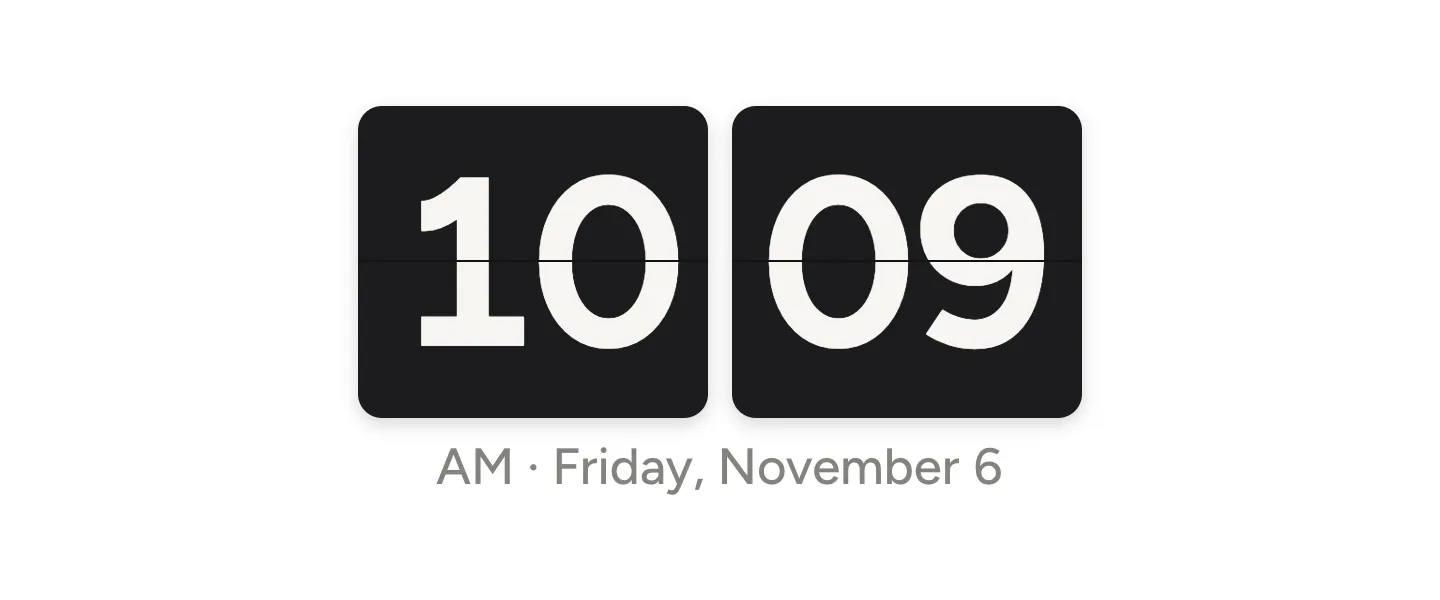
Black flip clock widget in Notion showing 10:09 with the date under it

The pink flip clock is the same clock in a soft pink, for pastel and aesthetic Notion setups.
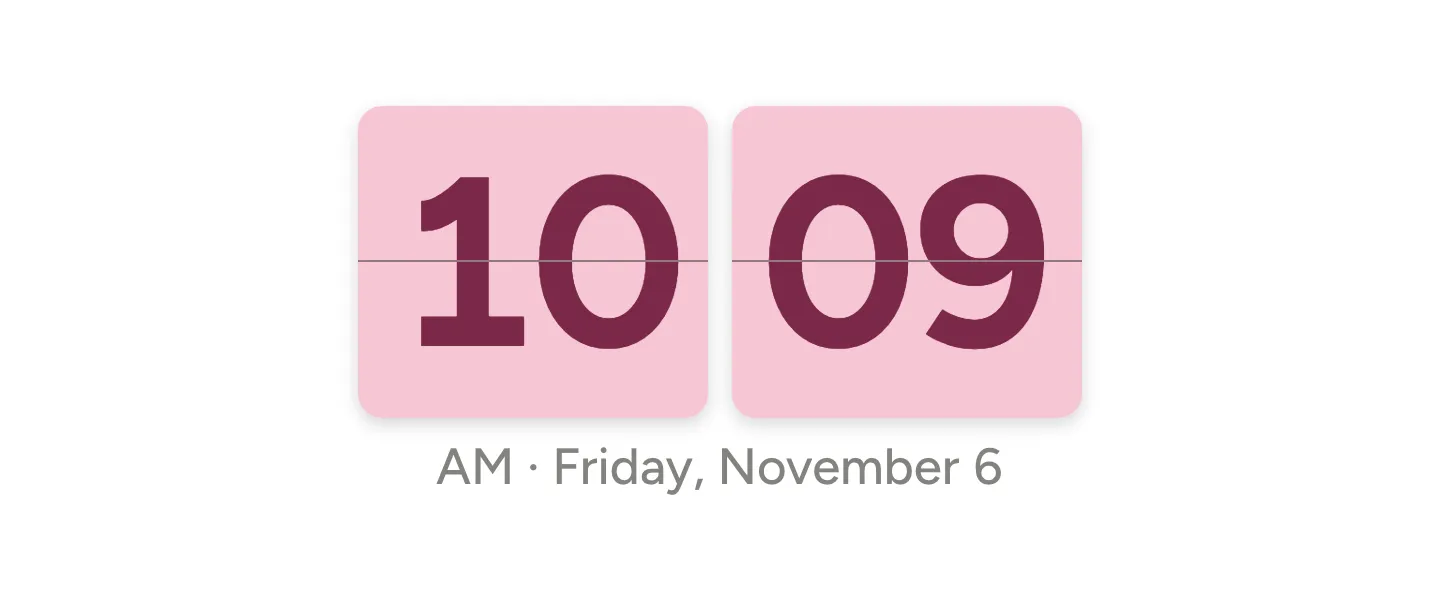
Pink flip clock widget for Notion with deep pink numbers on light pink cards

Digital clock

Big, clean numbers with the date underneath. With Notion colors and no background, it looks like part of the page.
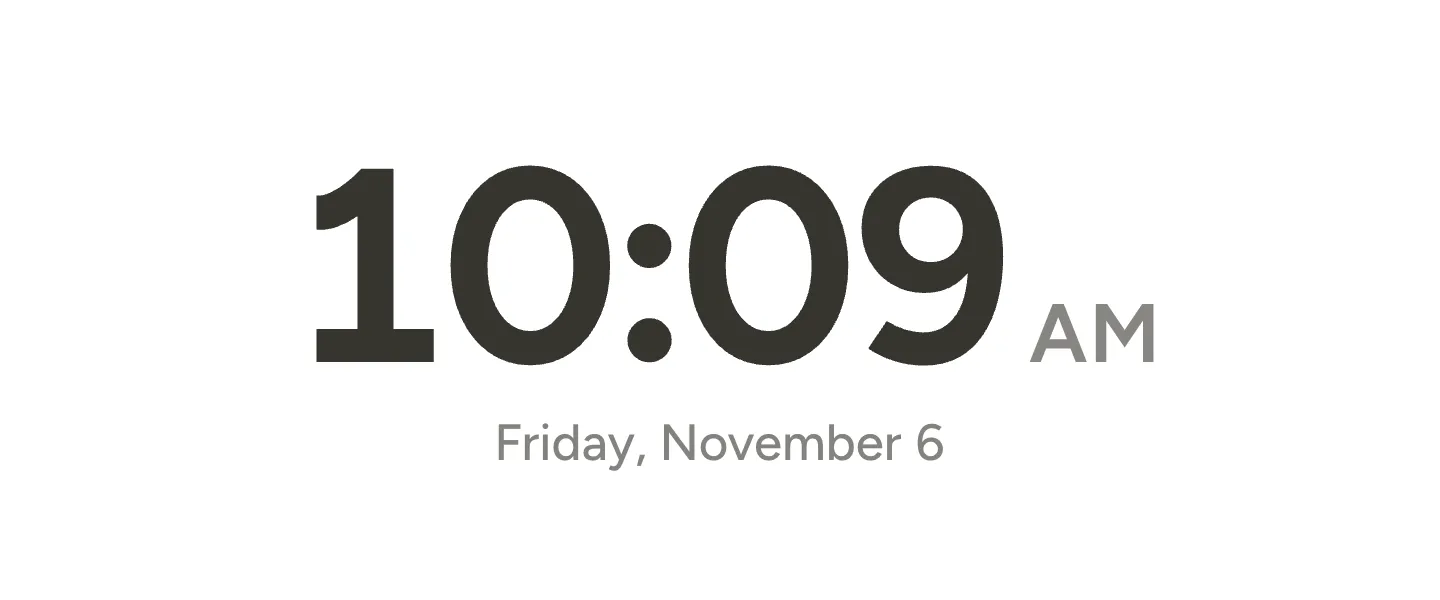
Digital clock widget in Notion colors showing 10:09 AM and Friday, November 6

Analog clock

A round face with hour marks and two hands. Turn on Seconds for a thin red second hand.
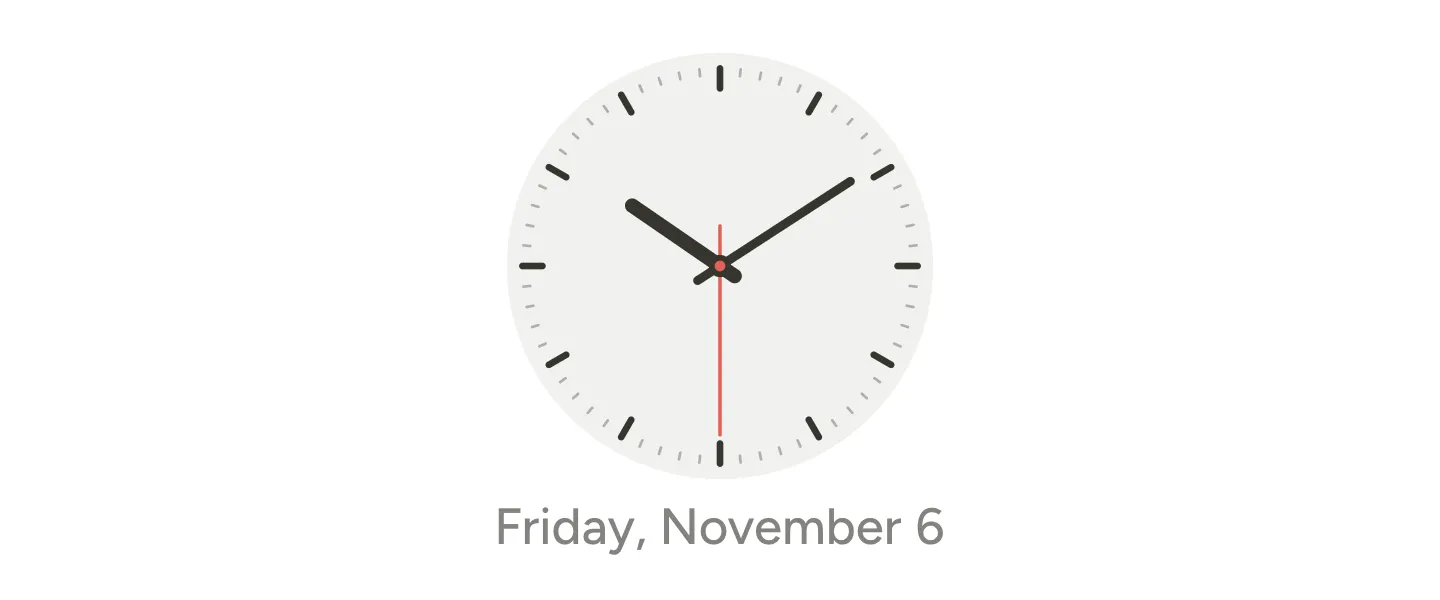
Analog clock widget for Notion with a light gray face, dark hands and a red second hand

Lock screen clock

The date on top and a big, bold time under it, like the clock on a phone’s lock screen. It uses your device’s own font, so on an iPhone or a Mac it matches the clock you already know.
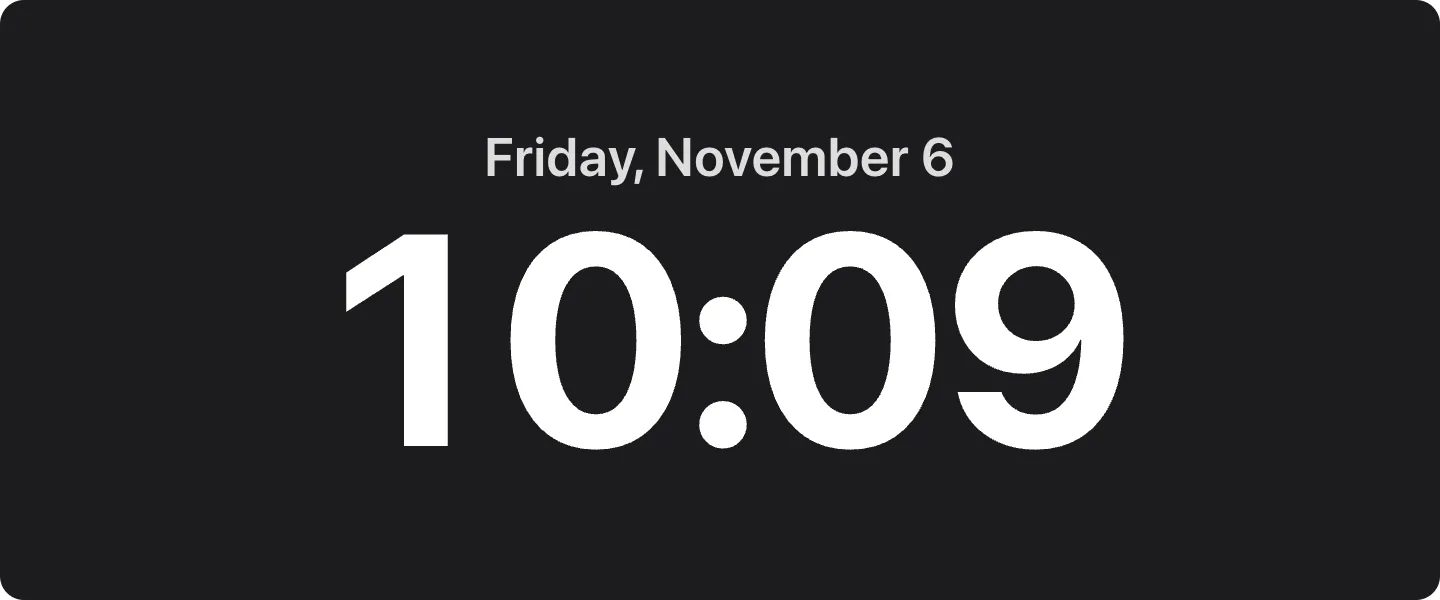
Lock screen style clock widget with Friday, November 6 above a large white 10:09 on black

Clock in words

The time as a short sentence, to the nearest five minutes: It’s about ten past ten, It’s a quarter to six. A calm pick for a journal or reading page where numbers feel too busy.
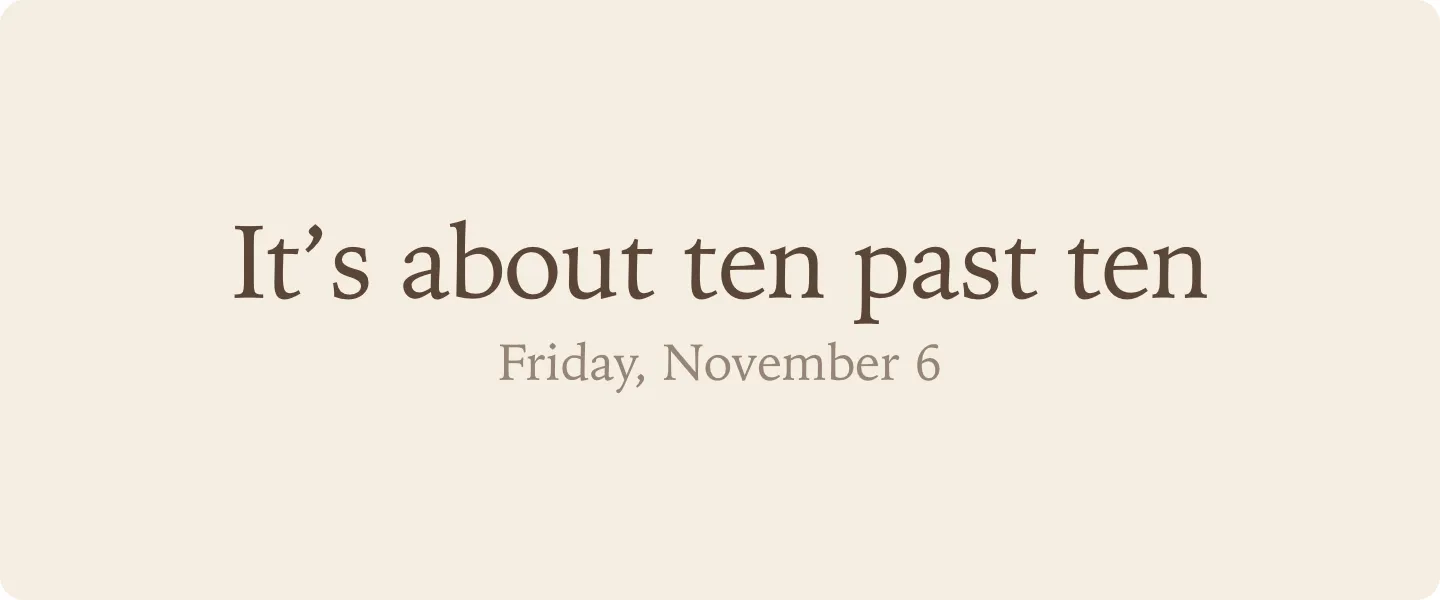
Word clock widget for Notion that reads It’s about ten past ten in a serif font

Good morning greeting

Turn on Greeting and add your name. The clock says Good morning, Good afternoon or Good evening above the time and changes on its own through the day, so your dashboard greets you.
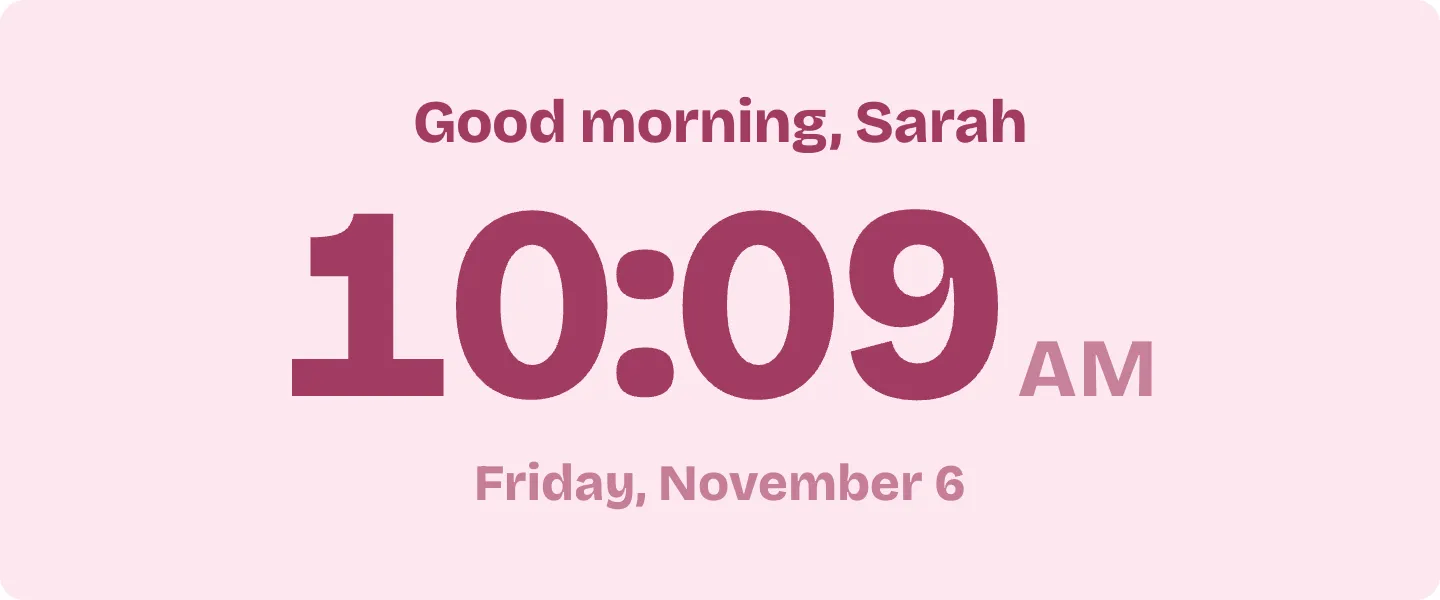
Clock widget with Good morning, Sarah above 10:09 AM in pink

World clock

Pick a city under Time zone and the clock shows that city’s time with its name on top. Add one for each place you work with, like New York, London and Tokyo side by side in Notion columns.
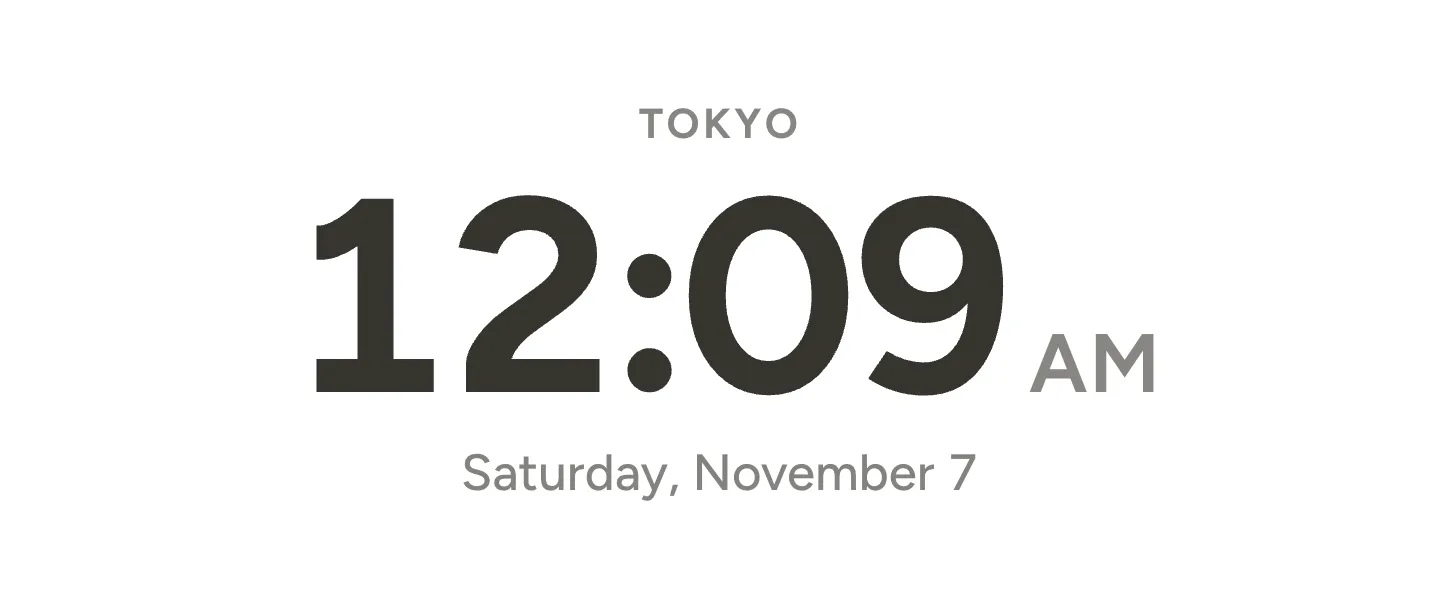
World clock widget for Notion showing the time in Tokyo

Dark mode

With Notion colors and no background, the text turns light when your device is in dark mode, so the clock sits on a dark page like any other block. To keep it dark all the time, choose Always dark under Your Notion page.
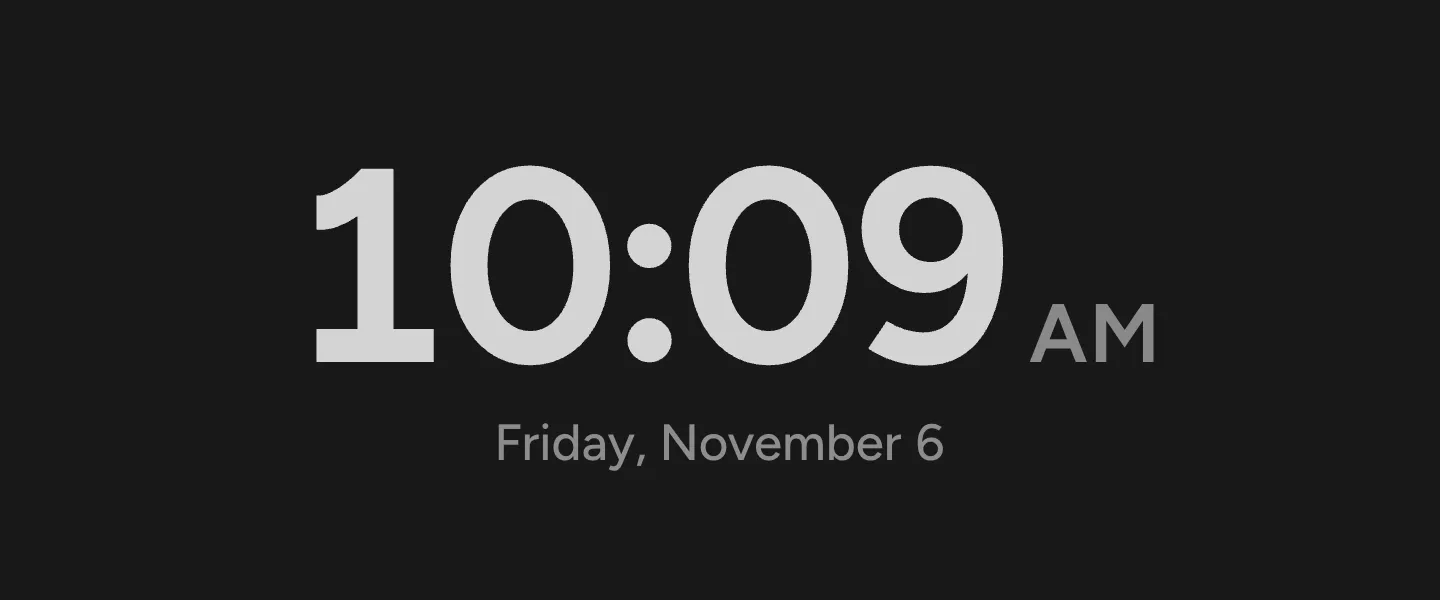
Clock widget in dark mode with light gray numbers on Notion’s dark background

Questions

Is this Notion clock widget free?

Yes. Every look and setting is free, with no account, no trial and no watermark.

Does it work on the free Notion plan?

Yes. It’s a regular Notion embed, and embeds work on every Notion plan, the free one included.

Does the clock show my time or the viewer’s time?

Each person sees the time on their own device, so a teammate in London sees London time. To show one city for everyone, pick it under Time zone before you copy the link.

How do I make the clock bigger or smaller?

Drag the bottom edge of the embed in Notion. The clock grows and shrinks to fit the box. For a narrow clock, put it in a column next to another block.

Why is the clock dark on my dark Notion page?

With Notion colors and no background, the clock follows your device’s light or dark setting. If you set Notion’s look by hand, open Customize, choose Always dark under Your Notion page and paste the new link.

How do I change the clock after adding it?

Make the new look here and copy its link. In Notion, delete the old embed and paste the new link the same way.

Does the widget collect any data?

No. There are no cookies, no analytics and no sign-in. Your settings live in the link itself, and the clock runs in your own browser.