

Free Notion Quote Widget

A new quote on your Notion page every day. Pick classic quotes, Stoic lines, Bible verses or your own words.

  • Free
  • No sign-up
  • No watermark
  • Dark mode
Live preview

Pick the quotes

Pick a look
Customize colors, font and when it changes

Every quote in our lists is checked word for word against the book it comes from.

In Notion, paste it on an empty line and choose Embed.

How does the daily quote widget work?

This free quote widget shows a quote of the day on any Notion page. Pick classic quotes by writers like Thoreau, Jane Austen and Marcus Aurelius, Stoic quotes, Bible verses from the King James Version, or type your own lines, like affirmations or family sayings. Choose a card, a Notion style quote block or a sticky note, give it your colors and font, and add the link to Notion as an embed. The quote changes at midnight, and everyone who opens the page that day sees the same one. Every quote in our lists is checked word for word against the book it comes from, so you won’t find a misquote. Free, no sign-up, no watermark.

How to add it to Notion

  1. Decide which quotes to show, pick a style, then Copy link.

  2. On your Notion page, click a free line where the quote should sit, paste, and choose Embed under Paste as.

    Quote widget link on a Notion page with Embed circled in the Paste as list
  3. Your quote of the day is live and turns over every midnight. Resize the embed from its bottom edge whenever you like; the text grows or shrinks to fill it.

    Quote widget on a Notion page called My dashboard, showing the quote of the day under a large quotation mark

Quote widget styles

Every look here is a button in the maker. Changing looks never touches the quotes you picked.

Quote of the day

The quote in a serif font under a large quotation mark, with the author below. The text grows or shrinks to fill the block, so a short line is big and a long one still fits.
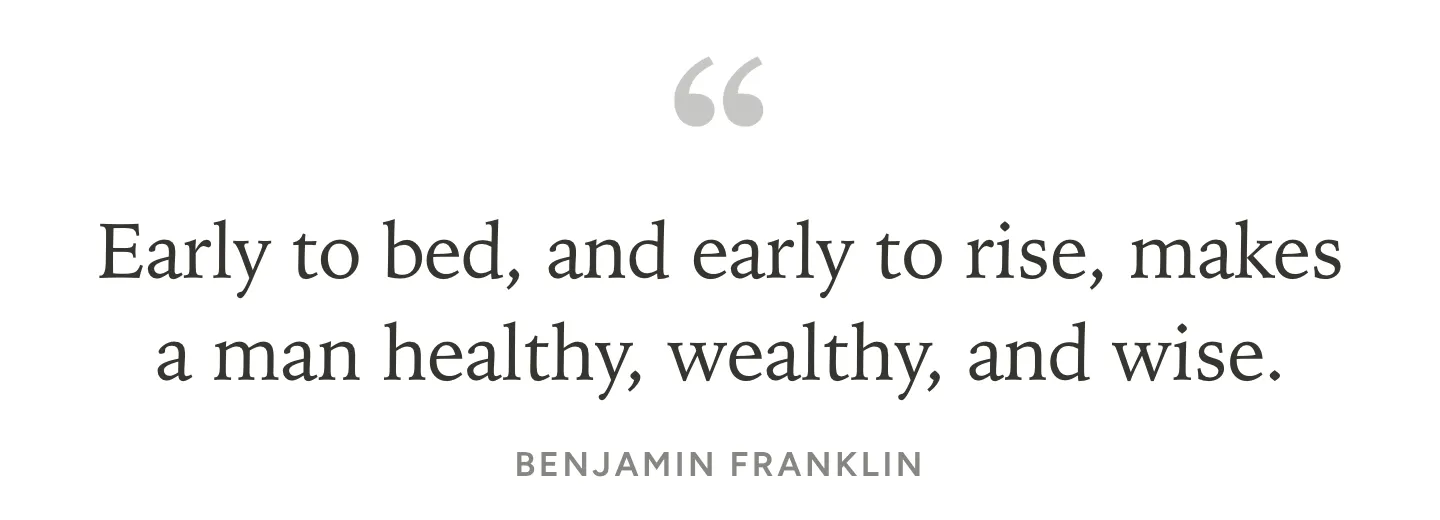
Quote of the day widget for Notion with a Benjamin Franklin quote under a large gray quotation mark

Notion quote block

Left aligned with a line on its left, like a quote block in Notion, so it reads as one of your own blocks.
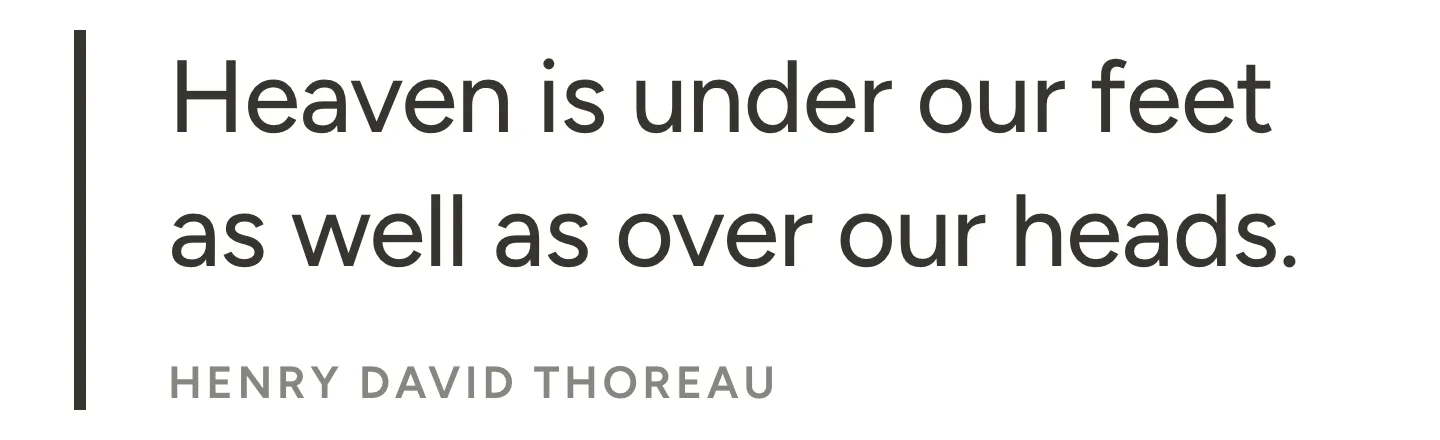
Notion style quote block widget with a line on the left and a Henry David Thoreau quote

Sticky note

The quote on a yellow sticky note with a strip of tape, a little tilted, as if it were stuck to your page.
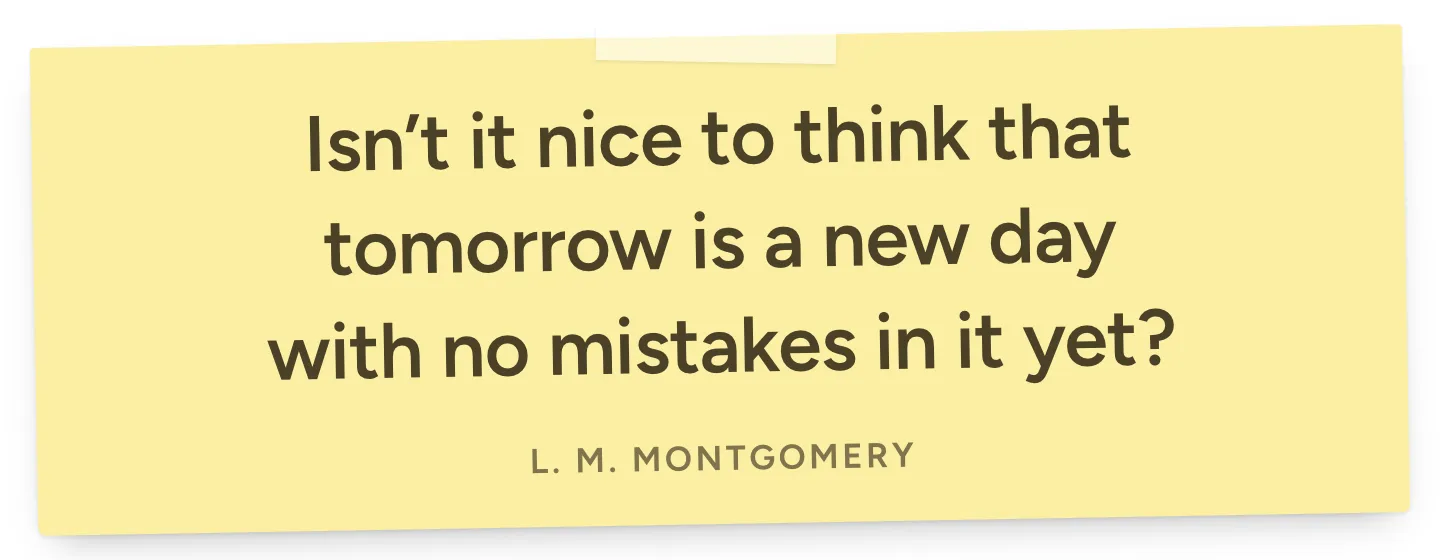
Sticky note quote widget for Notion with a quote from Anne of Green Gables by L. M. Montgomery on yellow paper

Aesthetic quote

A serif quote on warm beige with a brown quotation mark, made for a journal or a reading list.
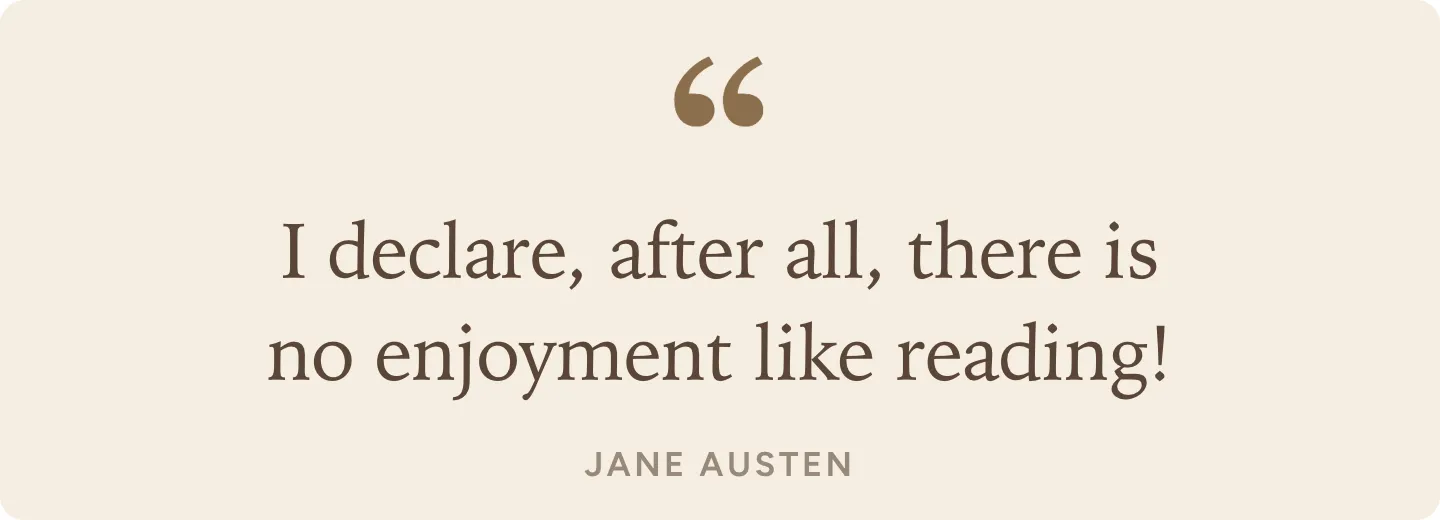
Aesthetic quote widget for Notion in a serif font on beige with a Jane Austen quote about reading

Cute pink quote

A rounded font on soft pink, sweet next to pastel planner pages.

Cute pink quote widget for Notion with a Louisa May Alcott quote about storms and sailing

Stoic quote of the day

Choose Stoic quotes for a daily line by Marcus Aurelius, Seneca or Epictetus.
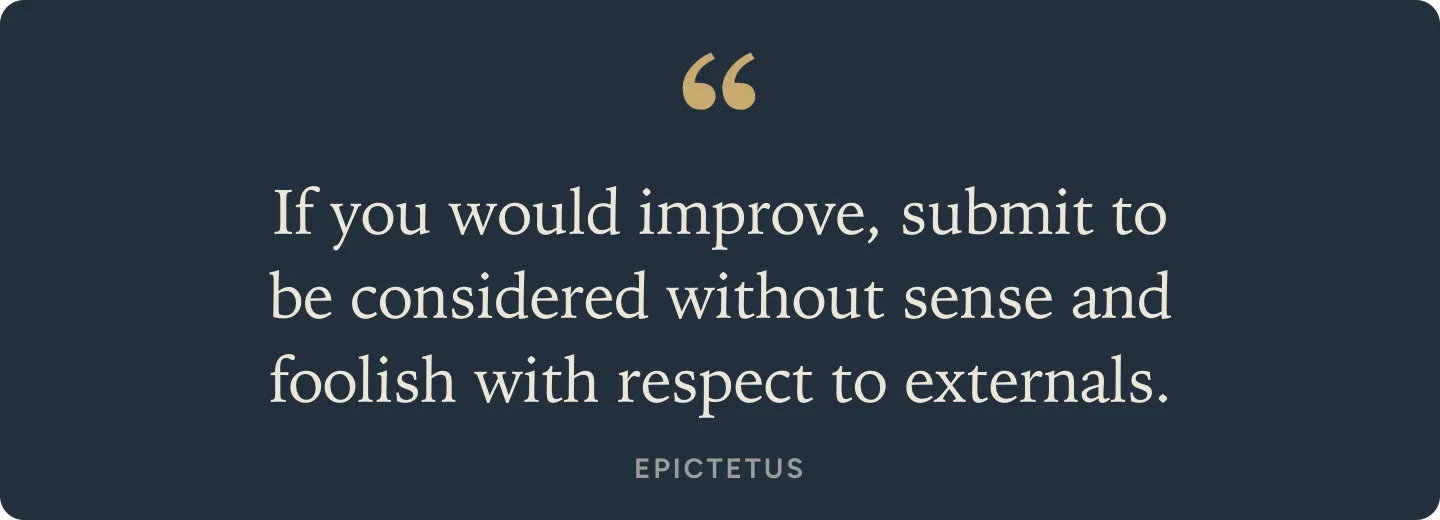
Stoic quote widget for Notion with an Epictetus quote in cream on dark navy and a gold quotation mark

Bible verse of the day

Choose Bible verses for a verse from the King James Version every day, with the book, chapter and verse under it.
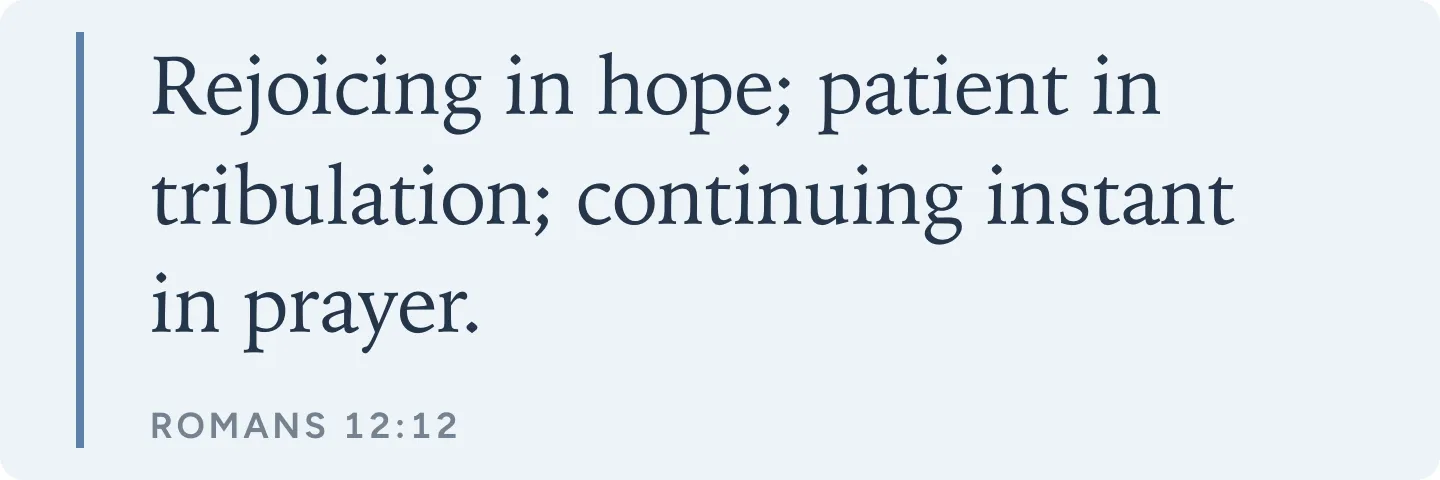
Bible verse widget for Notion showing Romans 12:12 from the King James Version on light blue

Your own quotes

Choose My own quotes and type your lines, like affirmations or things your family says. Add a name after a dash to show who said it.
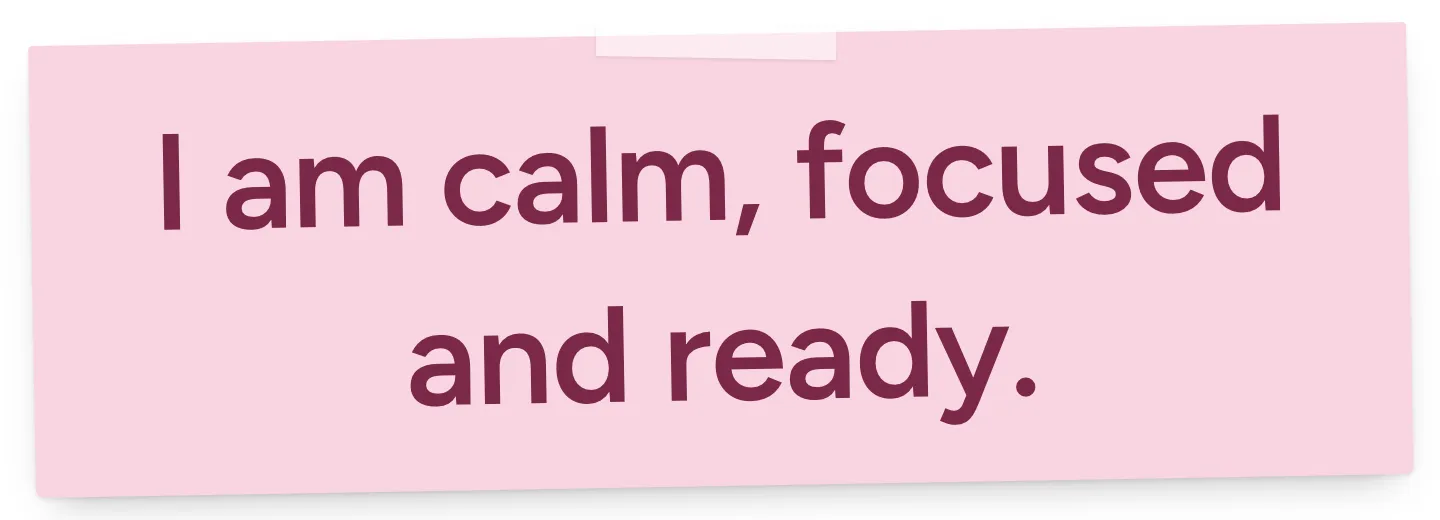
Custom quote widget for Notion on a pink sticky note with the affirmation I am calm, focused and ready

Dark mode

If your device runs in dark mode, a quote on Notion colors shows light text on dark. To make that permanent, use the Always dark setting under Your Notion page.
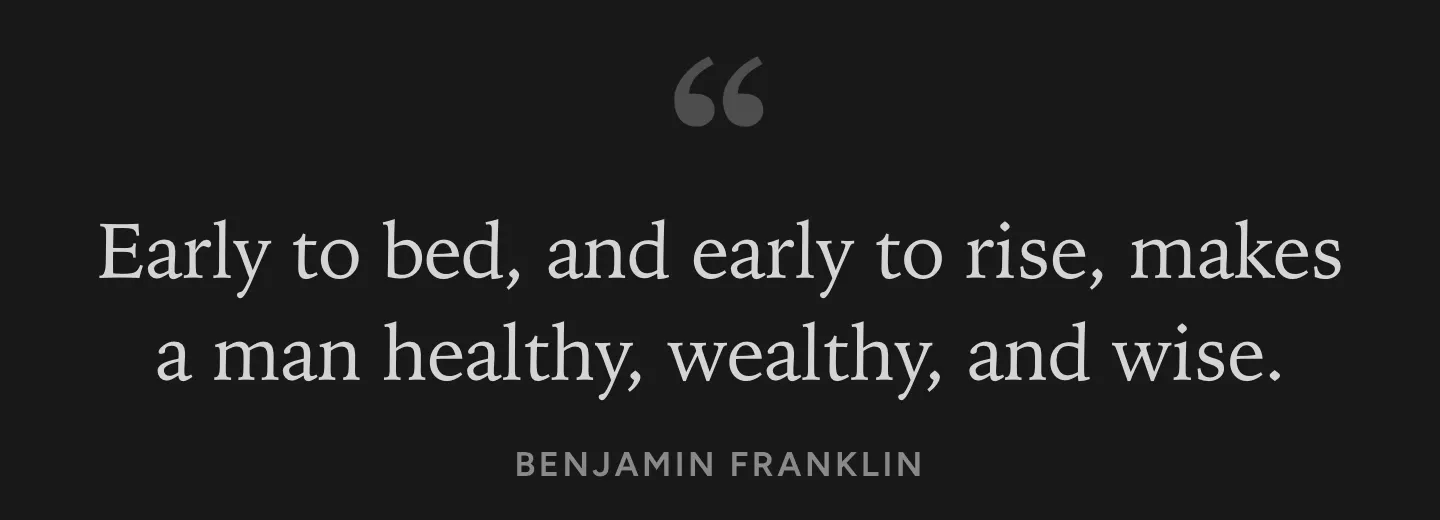
Quote widget in dark mode with light text on Notion’s dark background

Questions

Is this Notion quote widget free?

Yes, all of it: the quote lists, your own lines and every look. No account, no trial, nothing stamped on your page.

Will it work if I don’t pay for Notion?

Yes. The quote goes in as an embed, a block Notion gives free accounts too.

Where do the quotes come from?

From books that are now in the public domain, like Walden by Henry David Thoreau, Emerson’s essays, Jane Austen’s novels, Anne of Green Gables and Meditations by Marcus Aurelius. We checked every line word for word against the book, so there are no misquotes and no lines their authors never said.

Can I use my own quotes?

Yes. Under Quotes, choose My own quotes and type up to 30 lines, one per line, like affirmations or things your family always says. To show who said it, add a name after a dash. Each day shows the next line.

When does the quote change?

At midnight on each viewer’s device, and everyone who opens the page that day sees the same quote. For a random quote instead, set New quote to Each time the page opens.

Can it show a Bible verse of the day?

Yes. Choose Bible verses for a verse of the day from the King James Version, with the book, chapter and verse under it.

What are the Stoic quotes?

Lines by Marcus Aurelius, Seneca and Epictetus, in the classic English translations by George Long and Richard Mott Gummere.

Does it work in the Notion phone app?

Yes. Our widgets show in the Notion app on iPhone too, and the quote fits itself to the size of the block.

Are my own quotes private?

We don’t store them. Your lines and settings sit in the link, the widget has no cookies, analytics or login, and the quote of the day is picked in your browser.